

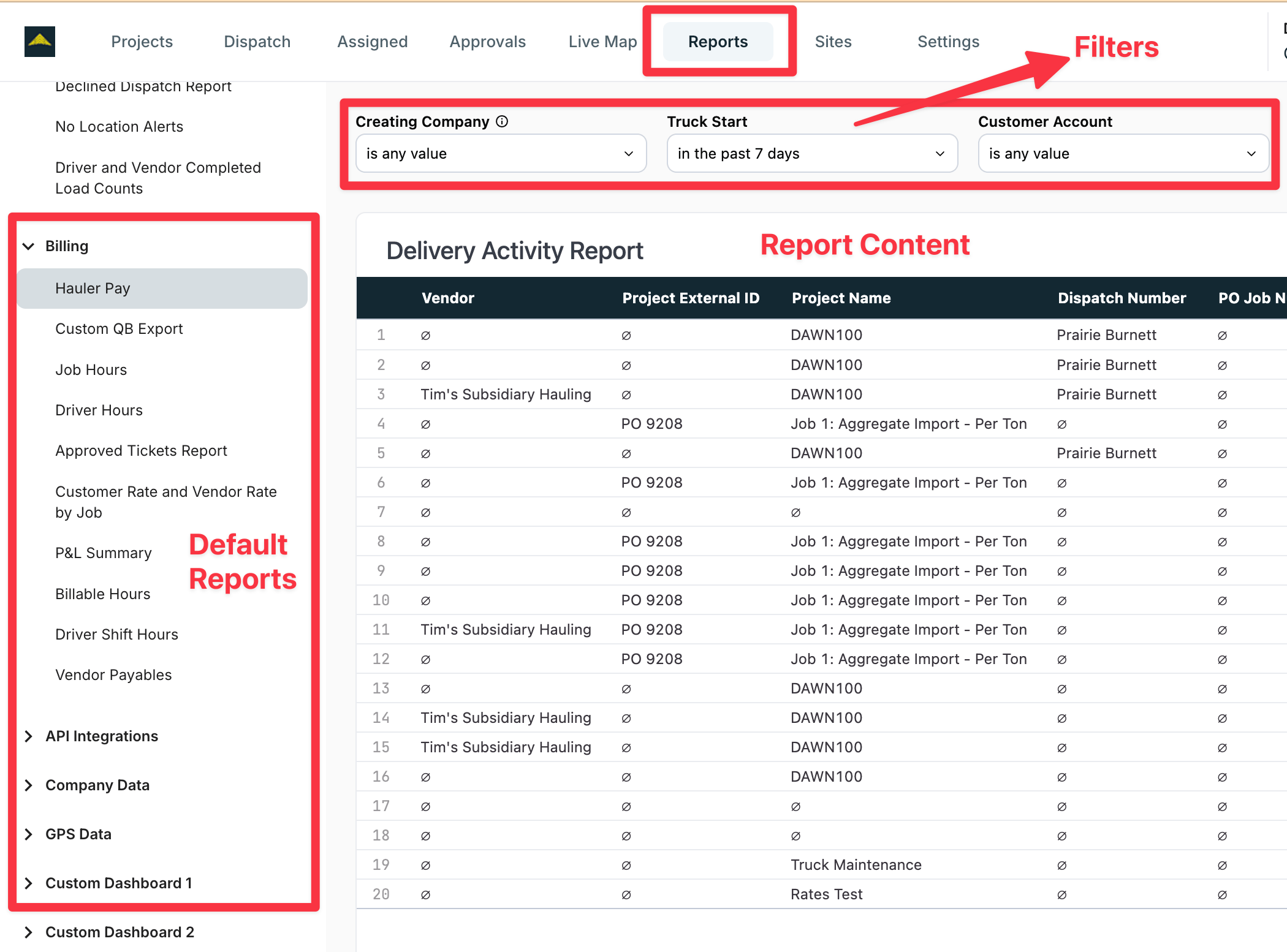
What it is
Reports is Tread’s custom report library. Each report renders live inside Tread, alongside the standard reports in Exports & Reports. When your team needs a report that does not exist yet, Tread configures it for your account.How Tread models it
- Report — a saved report that renders inside Tread. Tread configures reports for your account. System reports are available to every account.
- Category — a group of reports. The report list is organized by category.
- Data scope — a report shows data for your company and its child companies.
- Time zone — a report renders in the viewing user’s time zone.
When to use Reports vs Exports
Access
Related
- Exports & Reports — standard reports, scheduled exports
- Roles & Permissions — who can view reports
- Companies & Hierarchy — the data scope for parent and child companies