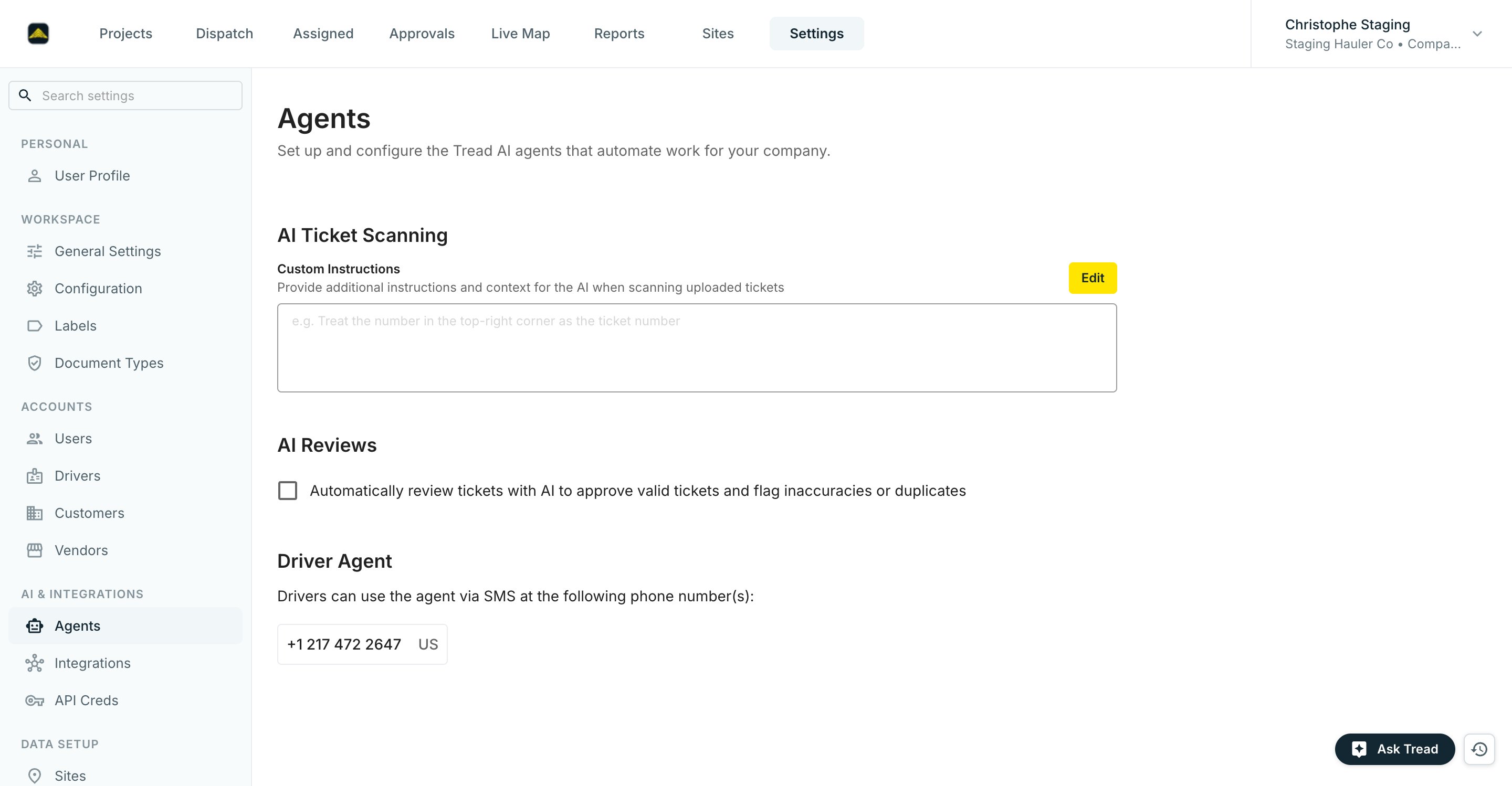
Custom Instructions tell the AI how to read your uploaded tickets, for example, “Treat the number in the top-right corner as the ticket number.” Click Edit, describe your ticket layout, and save.
Check Automatically review tickets with AI to approve valid tickets and flag inaccuracies or duplicates. There is no confidence threshold to pick. Instead, add Custom Instructions with context specific to your company — for example, “Always flag tickets where the quantity exceeds 30 tons.”
Once ticket chasing is live, this section lists the phone number(s) drivers text to upload tickets. If the section isn’t there yet, click Contact Tread for More Information to have it set up.On a project’s order defaults, the Ticket Chaser toggle controls chasing for that project. See AI Ticket Chaser for the full walkthrough, including what drivers see over SMS.
Treating AI Review flags as blocking. A flag means “look at this,” not “reject this.” The billing lead reads the flag context, then approves or corrects. For the first five business days, review every auto-approved ticket; after that, sample 10%.
Assistant
Responses are generated using AI and may contain mistakes.