

How it works
A ticket is the proof a load was delivered — quantity, material, site, time. Tread accepts tickets through three paths. Photo capture. A driver or foreman photographs the paper ticket in the Driver App or Foreman App. Tread reads the photo with AI, fills in the fields, and queues the ticket for approval. The AI reading is informational — a person still approves before billing. SMS capture. Turn on Ticket Chaser, the order setting labeled “Text drivers for missing tickets.” When a job ends with more loads than tickets, Tread texts the driver a request. The driver replies with a photo of the ticket. Same AI reading, same approval queue. Useful for drivers who cannot install the app and for one-off subhaulers. Integration capture. When a quarry, plant, or scale system already produces digital tickets, Tread pulls them in through an integration. No driver action required. Common with producer scale tickets and with Paver Tracker on paving work.Setup
1
Ask Tread to enable texting
SMS capture needs a texting number connected to your account. Ask your Tread contact to set it up.
2
Turn on Ticket Chaser
Open the Project form. Under Order Defaults, check Text drivers for missing tickets. Orders in the Project inherit the setting. You can also set it on a single order.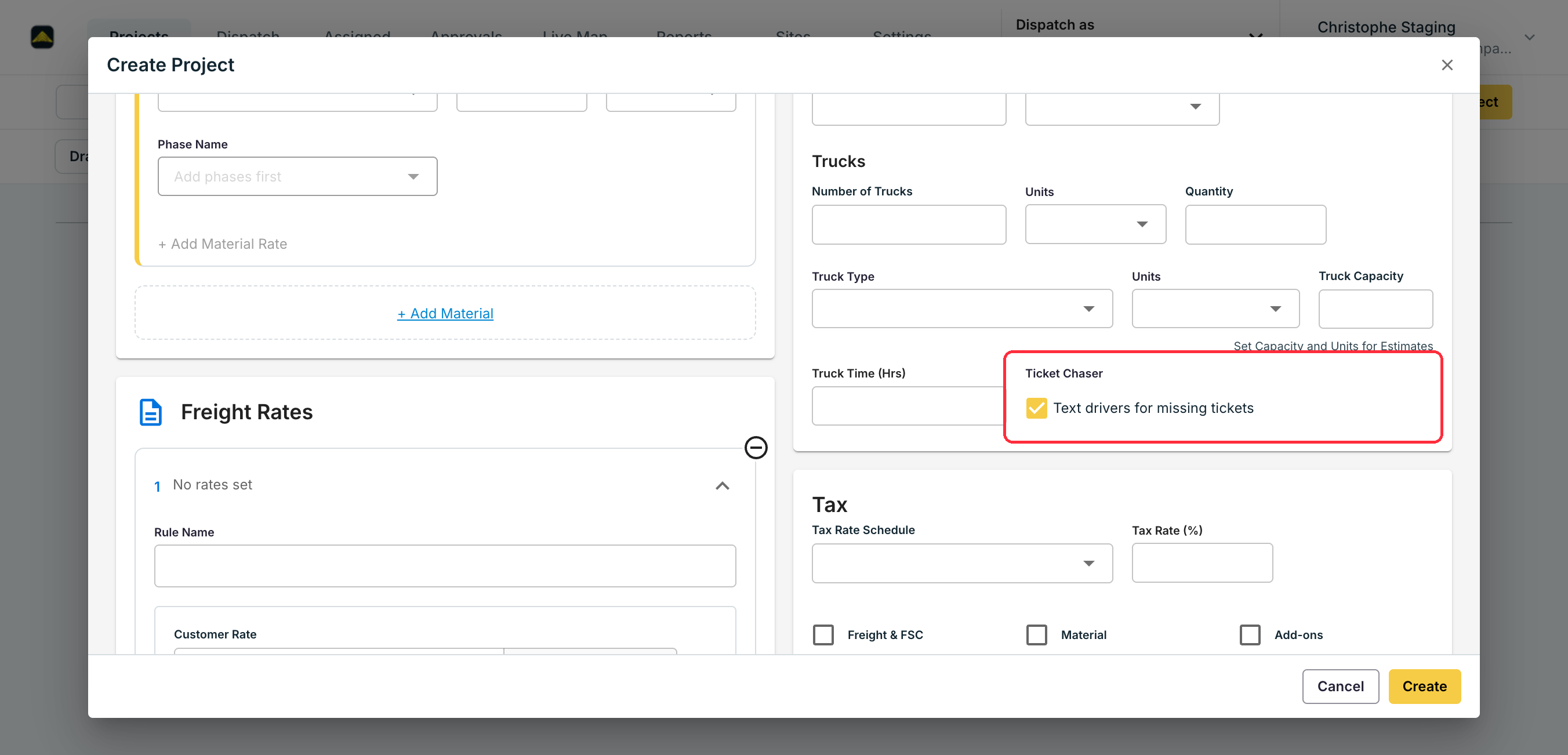
3
Connect the source system
For scale or paver tickets, connect the source in Settings → Integrations. See Paver Tracker and Telematics for the supported feeds.