

Switching to the Loads View
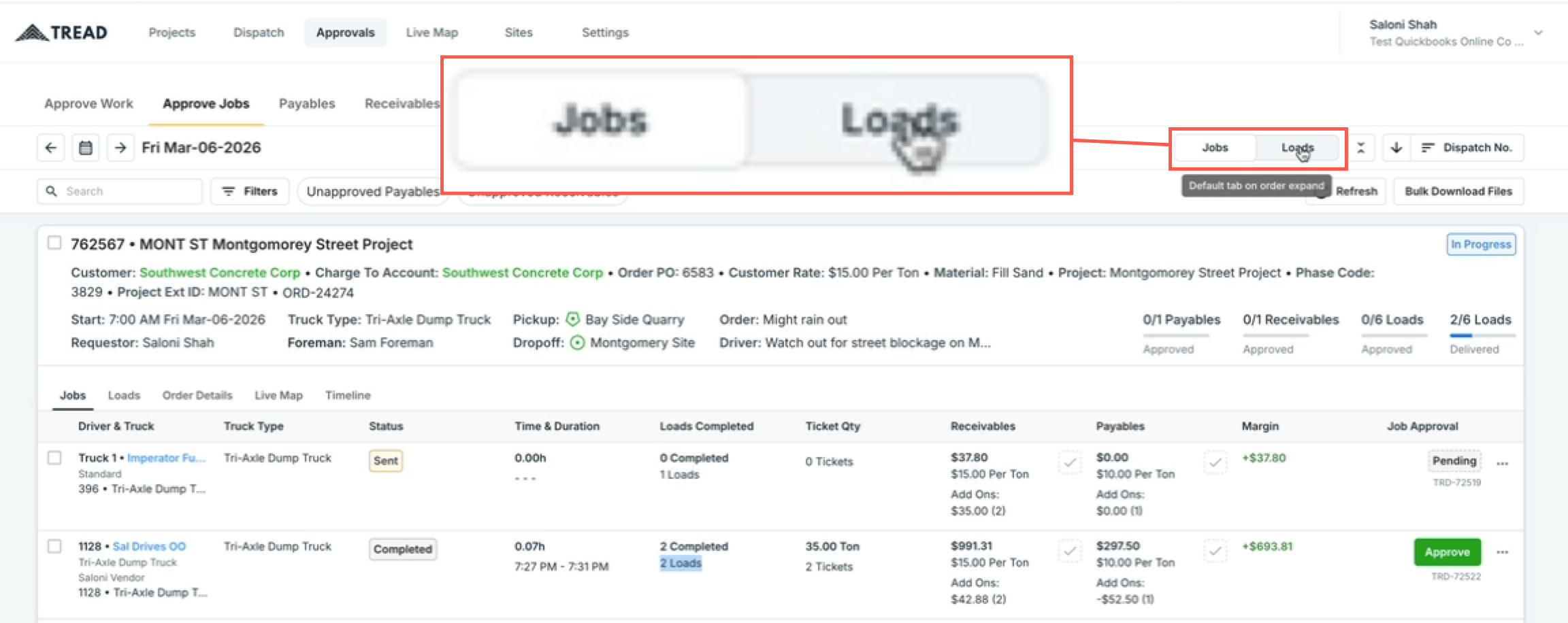
By default, the Approvals page displays jobs. To switch to load-level approvals:- Navigate to Approvals → Approve Jobs.
- Click the Jobs / Loads toggle in the top right corner and select Loads.
Reviewing and Approving Loads
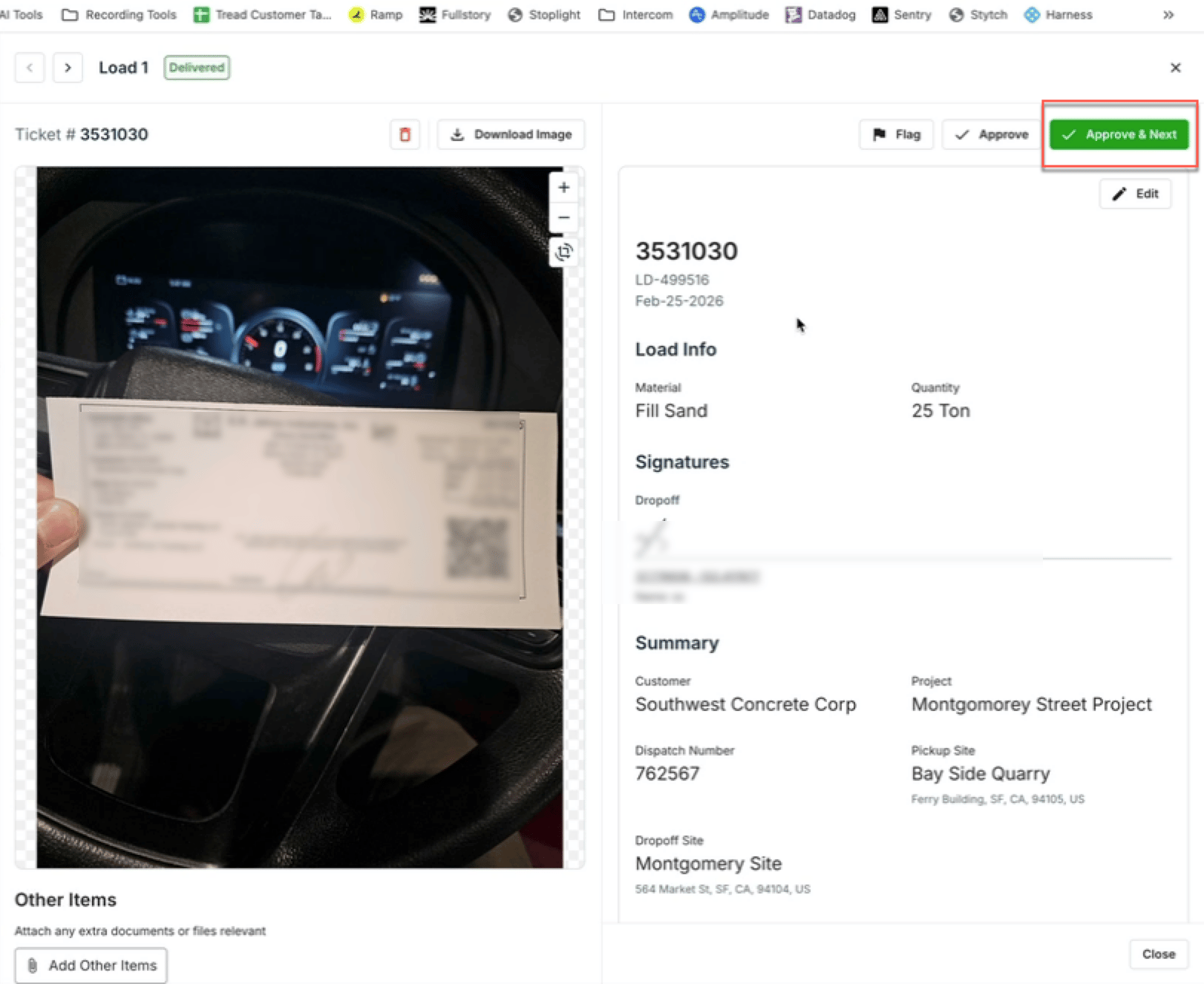
Once in the Loads view, work through each load one by one:- Open a load drawer to review the details and confirm everything looks correct.
- Choose one of the following options:
- Approve — Approves the current load and keeps you on the same page.
- Approve Next — Approves the current load and automatically moves you to the next one.
- Loads that have not yet been completed will remain in a pending status and cannot be approved until they are finished.
Bulk Approving All Loads
If everything looks correct and you want to approve all loads at once, use the Approve All option to approve all loads for the selected day in a single action.Watch it
Let us show you how:
Questions? We’re here to help! Contact us anytime at 1 (888) 558-7323 or email us at support@tread.io