What you’ll do
Add every dispatcher, billing lead, foreman, and admin who needs a Tread login.Before you start
- A list of users with name, email, mobile phone, and role.
- Each user needs a unique mobile phone number — Tread uses it for SMS login.
- Decide whether to invite users by email, SMS or both.
- Optional: an Ext. ID for each user if you want to match Tread back to an HRIS or accounting system.
Walkthrough
1
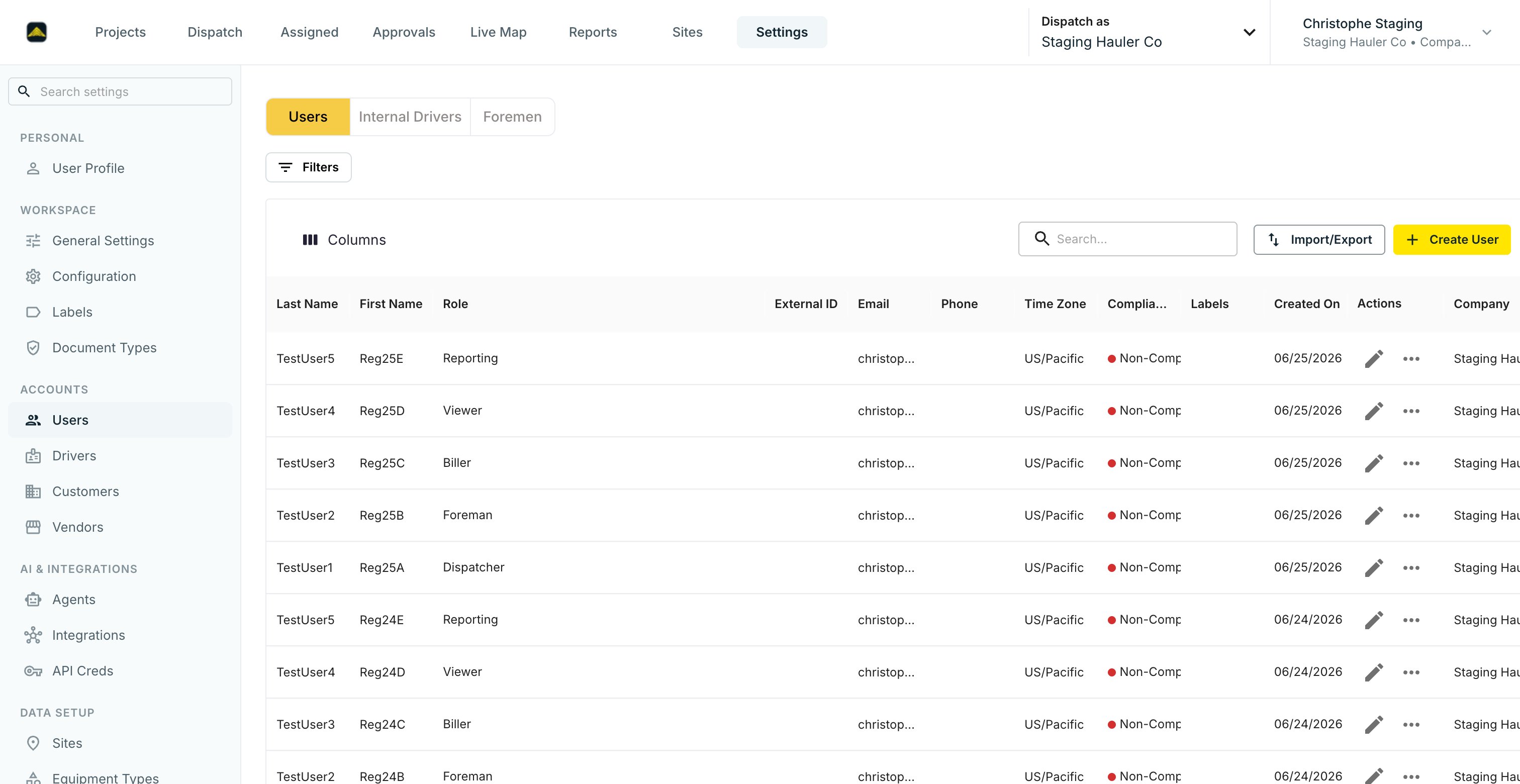
Open Settings → Users
Click Create User in the top right.
2
Fill out the user form
Enter name, email, and mobile phone. Pick one or more roles — Company Admin, Dispatcher, Biller, Foreman, Reporting, Viewer, or Driver. See Roles & Permissions for what each role can do.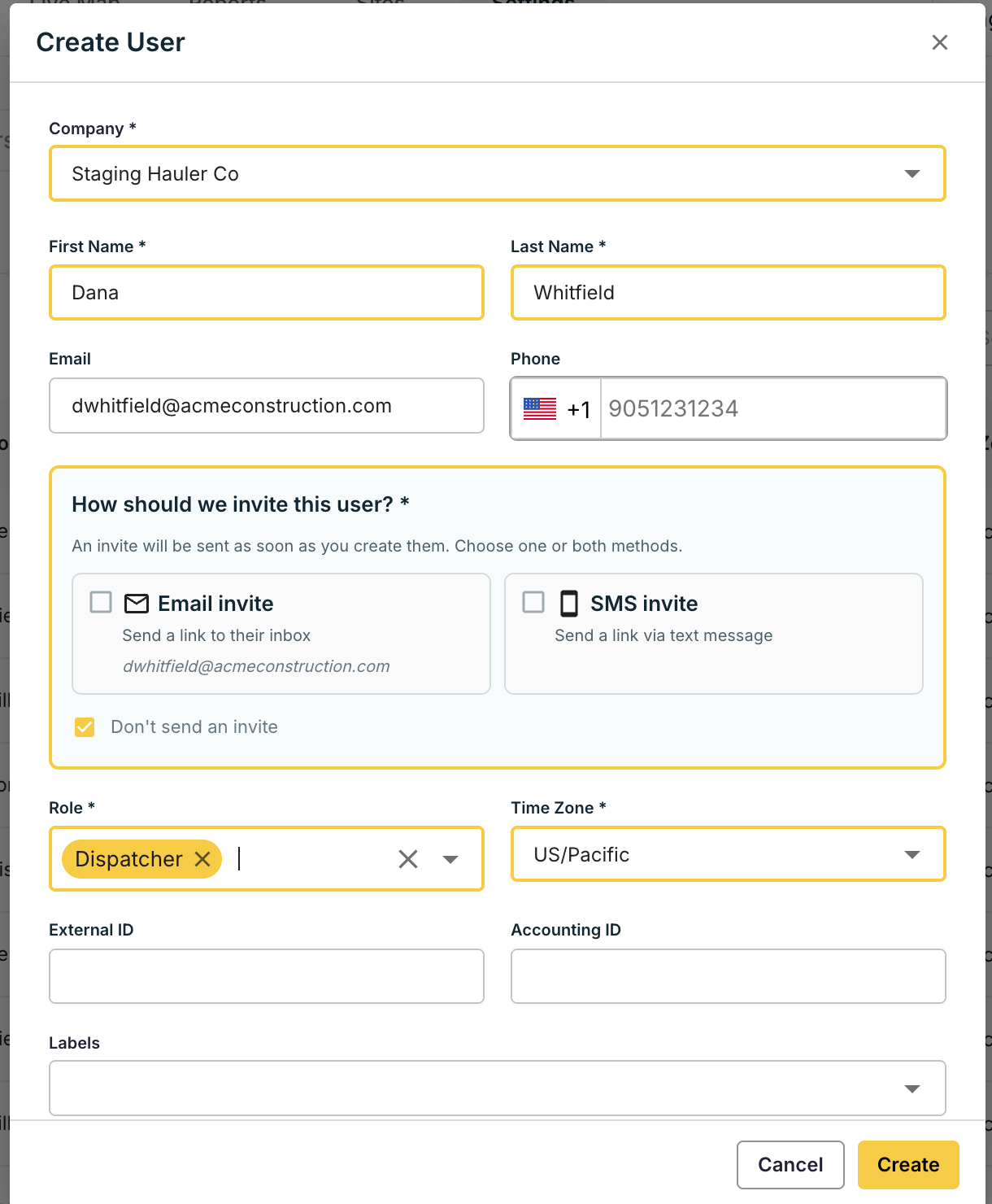
3
Set the Ext. ID (optional)
If you sync to QuickBooks, Sage, Vista, or another system, paste the matching identifier here. It must be unique across all users.
4
Send the invite
In the How should we invite this user? section, check Email invite, SMS invite, or Don’t send an invite. The invite goes out as soon as you click Create — email carries a link to set a password, SMS carries a link to download the mobile app.
5
Repeat in bulk if needed
For more than 20 users, ask your Tread implementation lead to run a CSV import.
Internal drivers
An internal driver — an employee who drives for your account — is a user with the Driver role. Create them on this page, not on the Drivers page. After you create them, they appear under the Internal Drivers tab, where you can assign their default truck.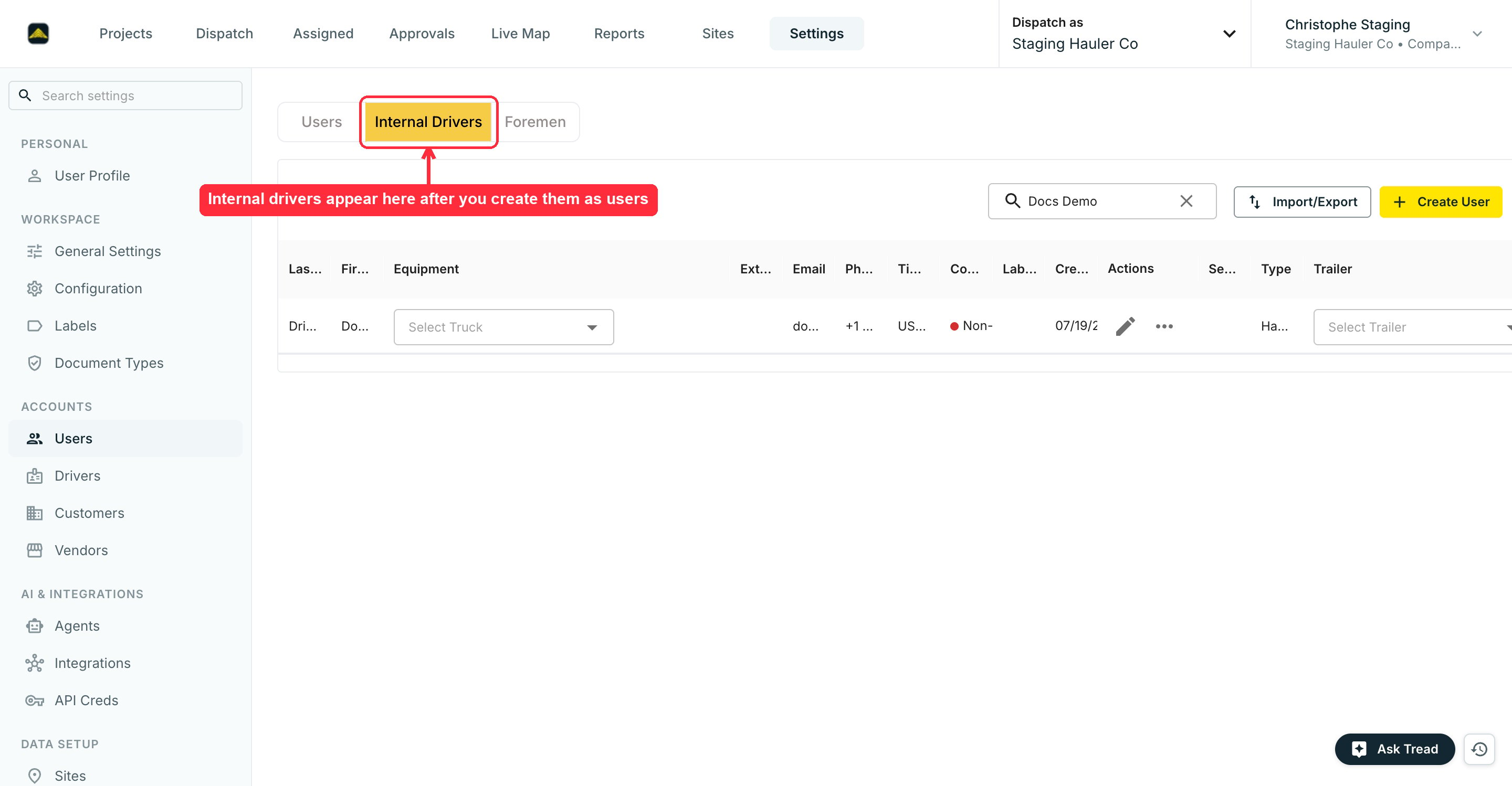
Verify
Settings → Users shows every person added to your account. Search by phone number returns one match per user.Forgot password or lost invite
Reset a password
Users reset their own password — no admin needed.1
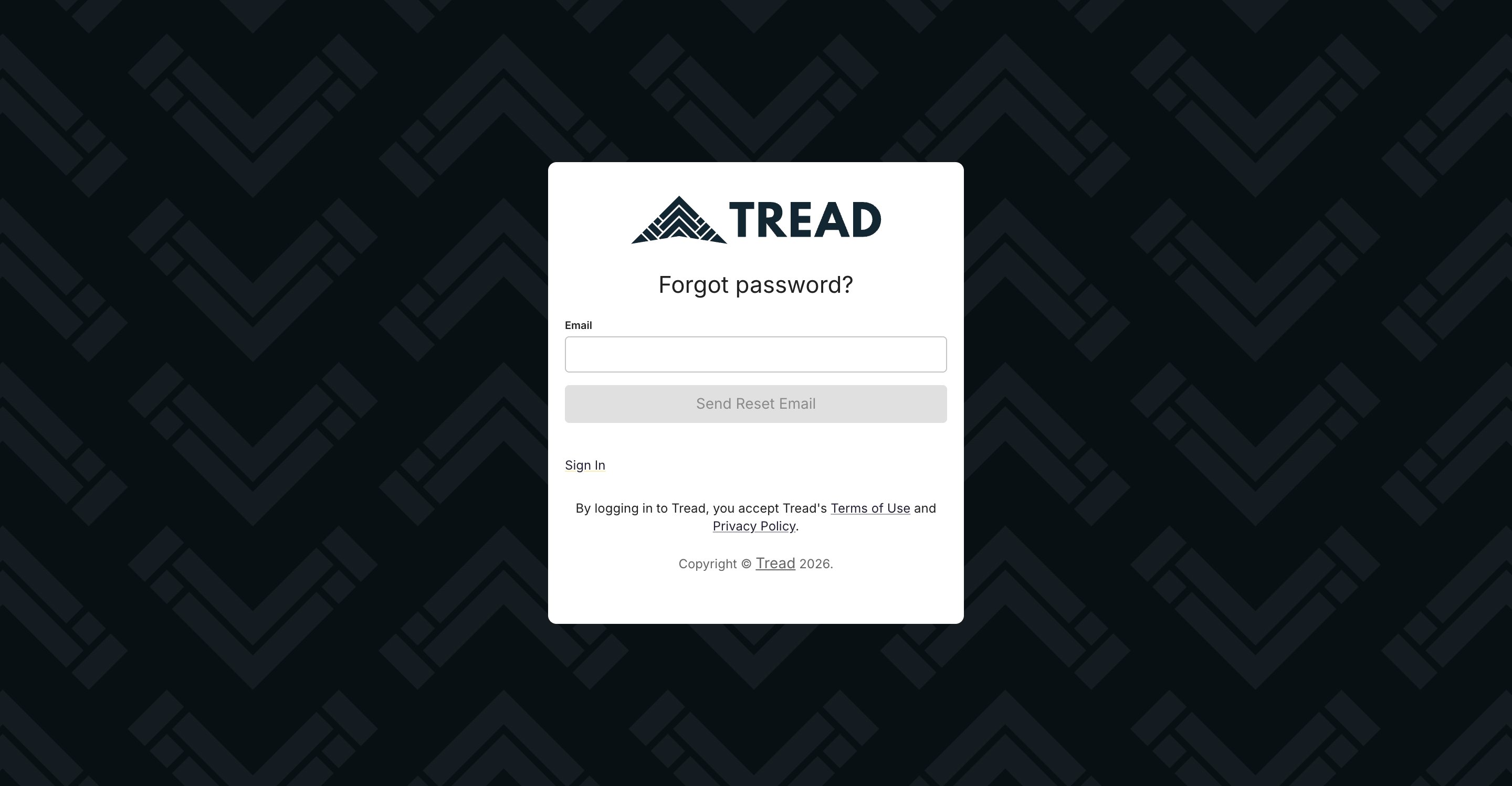
Click Forgot password? on the sign-in page
2
Enter the account email and click Send Reset Email
Tread emails a link to set a new password.
Password reset applies to email sign-in only. SMS login uses a one-time code, so there is no password to reset.
Resend an invite
If a user never activated their account or lost the invite, resend it.1
Open Settings → Users and search for the user
Search by name, email, or phone number.
2
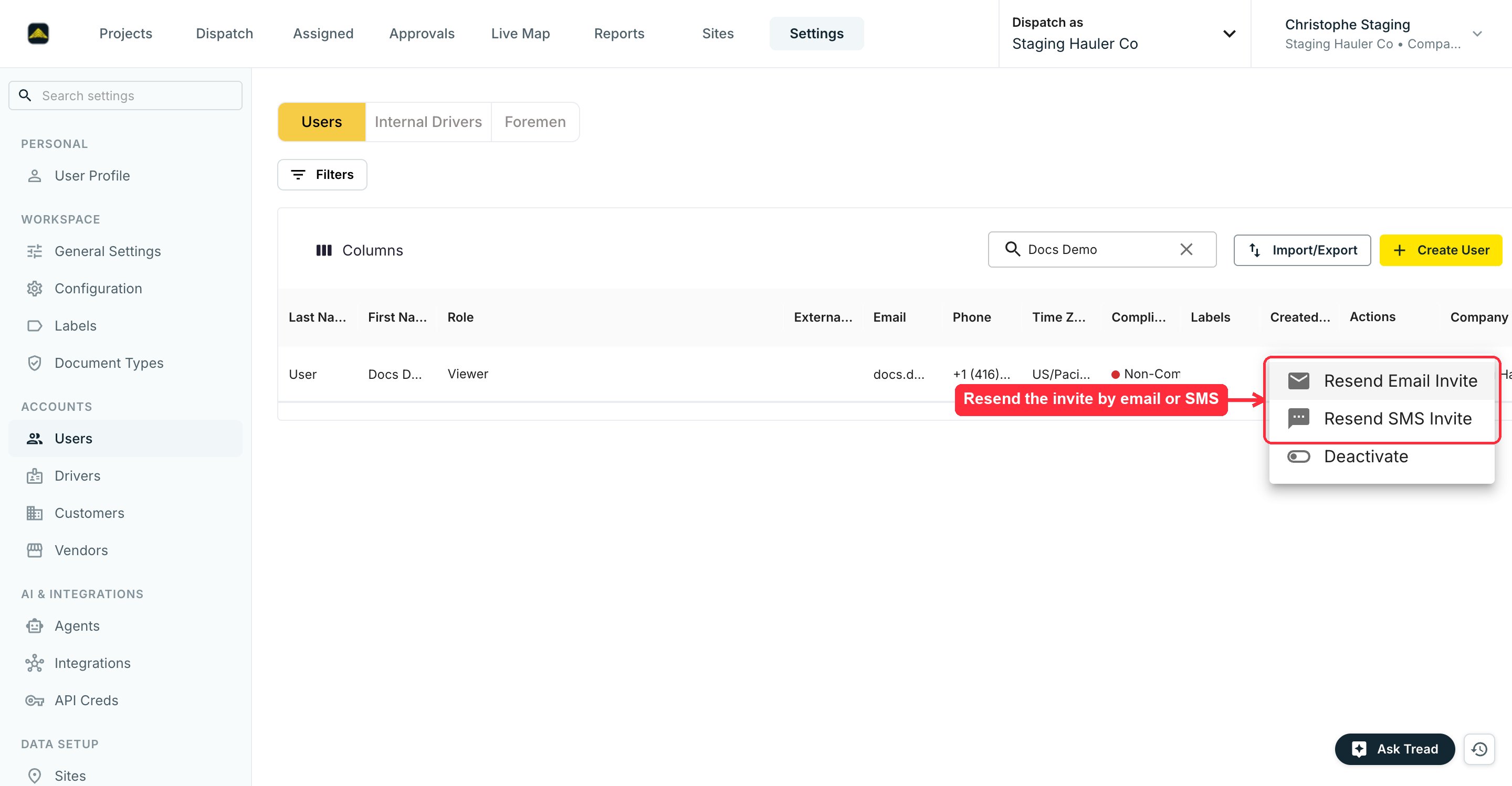
Click the ⋯ menu in the Actions column
Choose Resend Email Invite or Resend SMS Invite.