

1
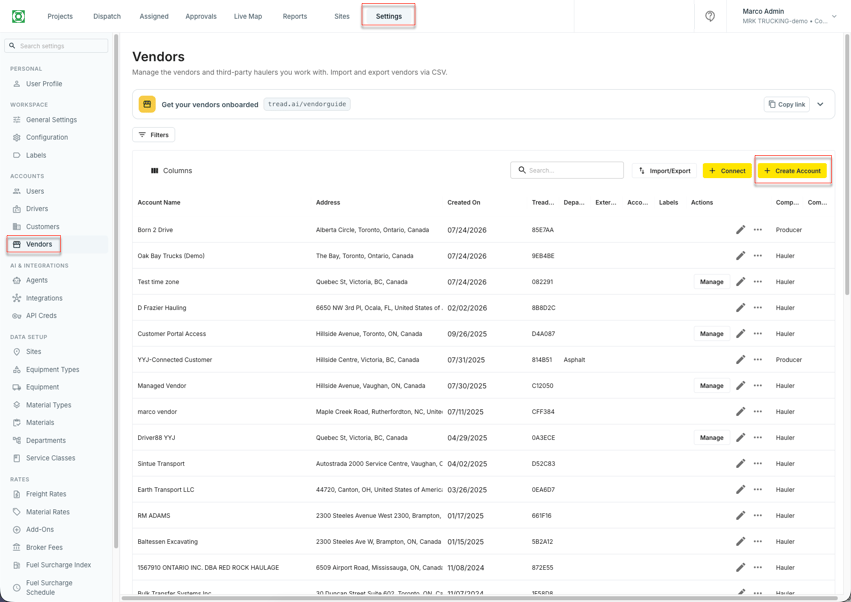
Open Settings → Vendors, then click Create Account
2
Fill in the account, contact, and invite details
Enter the Account Name and address, then set the Company Type — Broker, Contractor, Hauler, Owner Operator, or Producer. Pick **Hauler **for a Multi-Driver vendor you’ll request trucks from. See Vendors (master data) for what each Company Type controls.Add the primary contact’s name and pick an Invite Type — Email, SMS, or both — then click Save.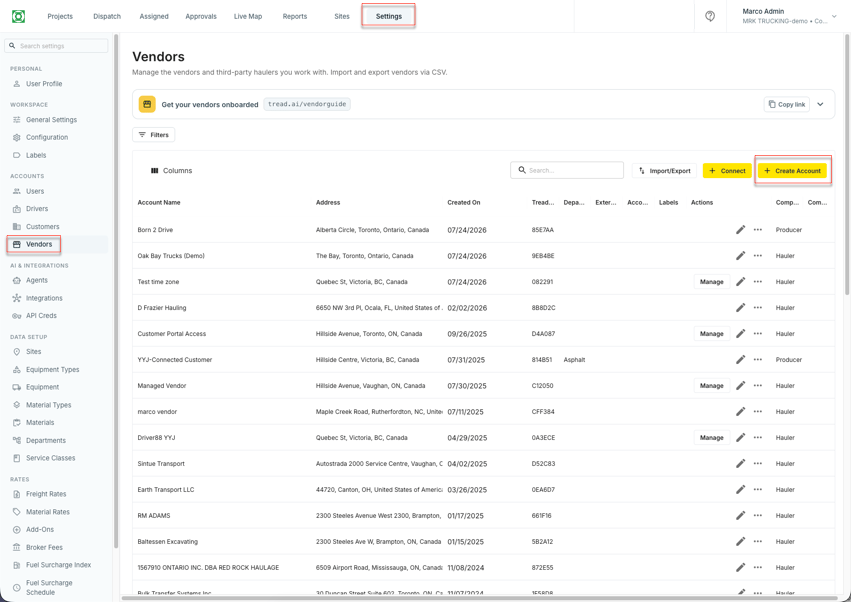
3
Find the new vendor in your list
The vendor now appears in Settings → Vendors, ready to share equipment and drivers to.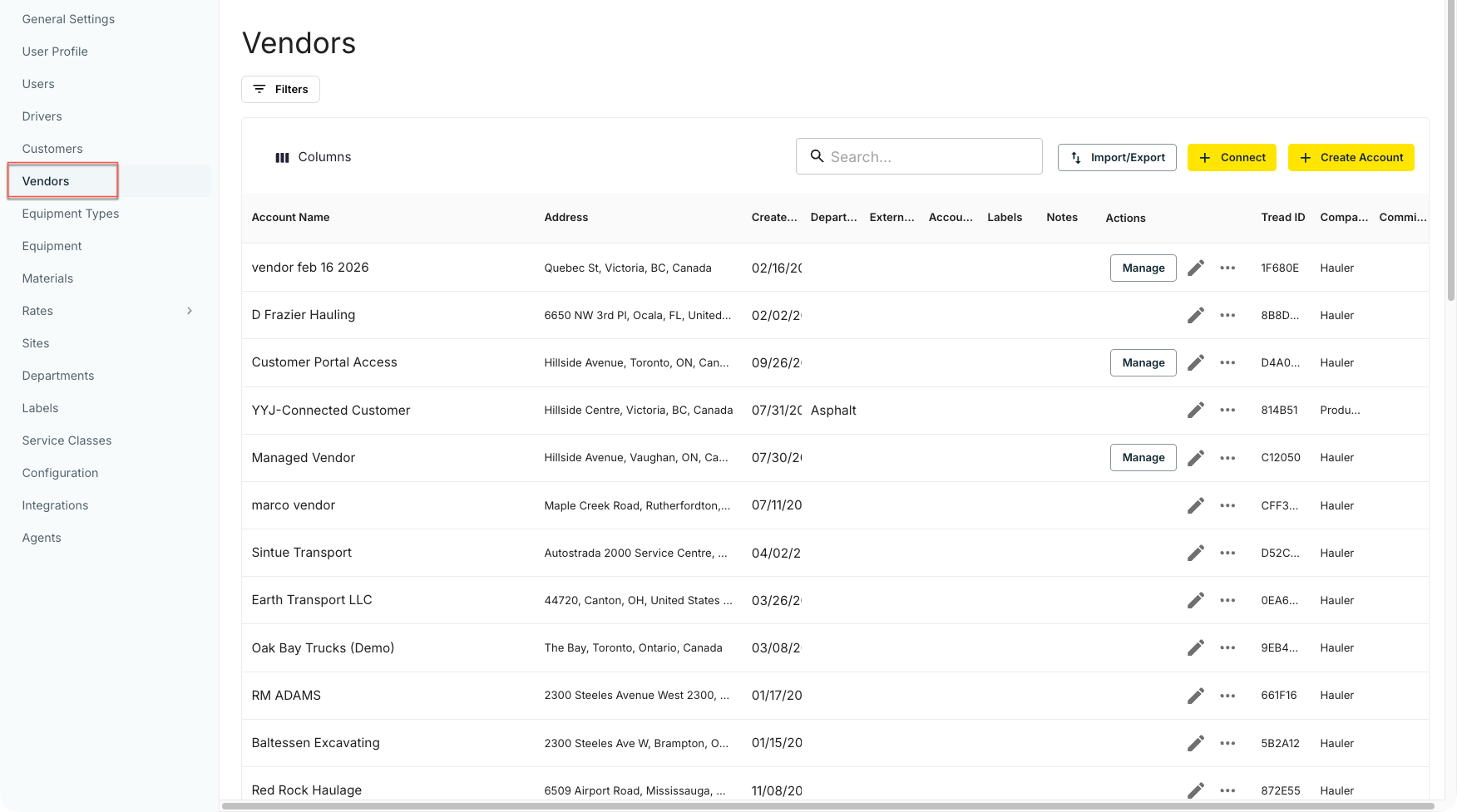
Related
- Vendors (master data) — Company Type, O&O setup, and vendor addresses in full
- Add Equipment to a Vendor’s Account
- Add Drivers to a Vendor’s Account