Edit equipment
1
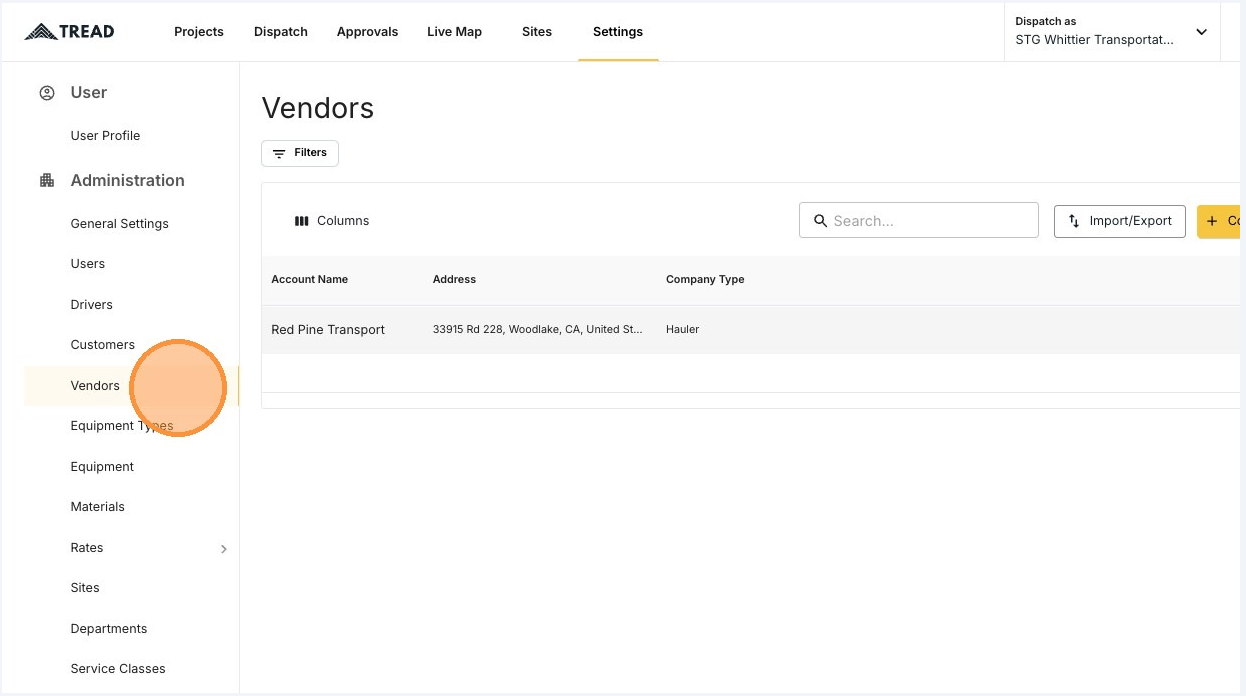
Open Settings → Vendors
2
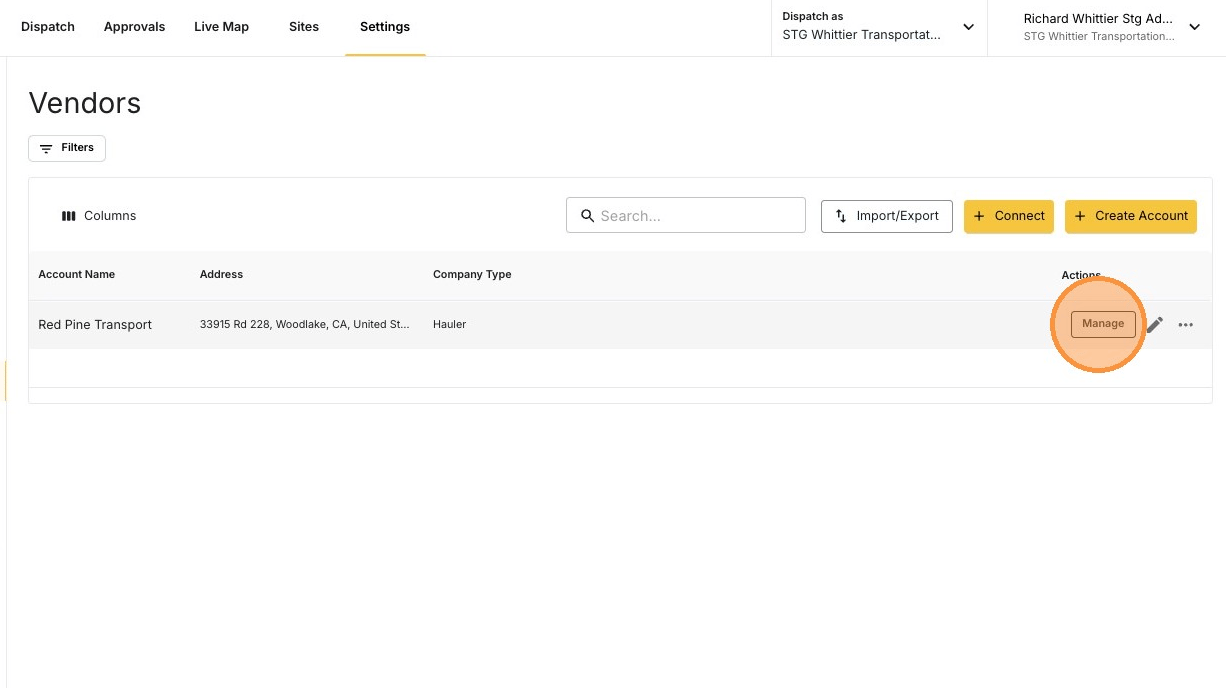
Click MANAGE on the vendor
3
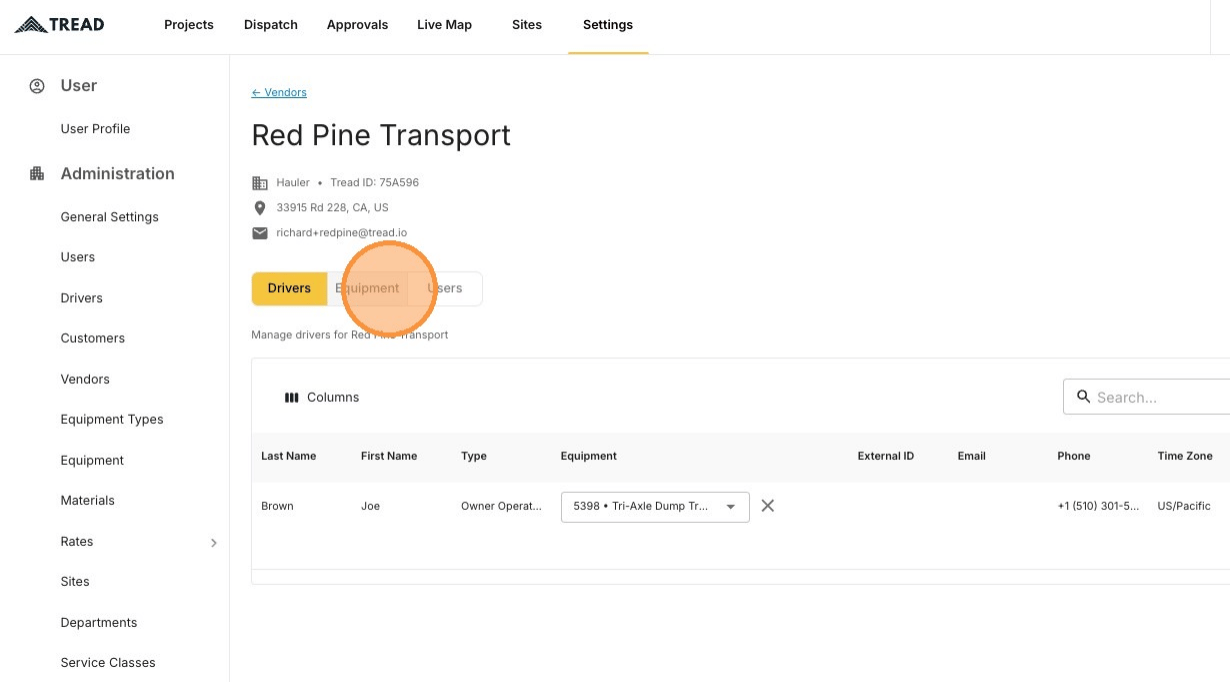
Open the Equipment tab
4
Find the vendor's own rows in the Company column
You can only edit equipment where the Company column shows this vendor’s name. Other rows belong to another account.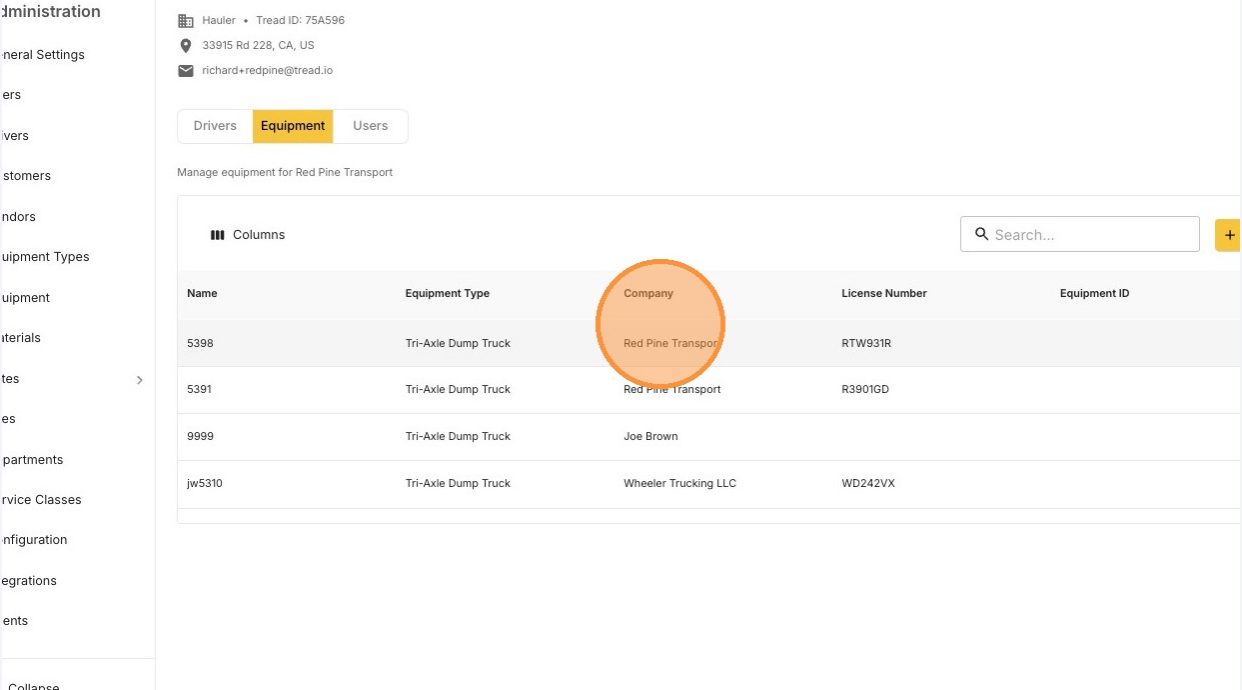
5
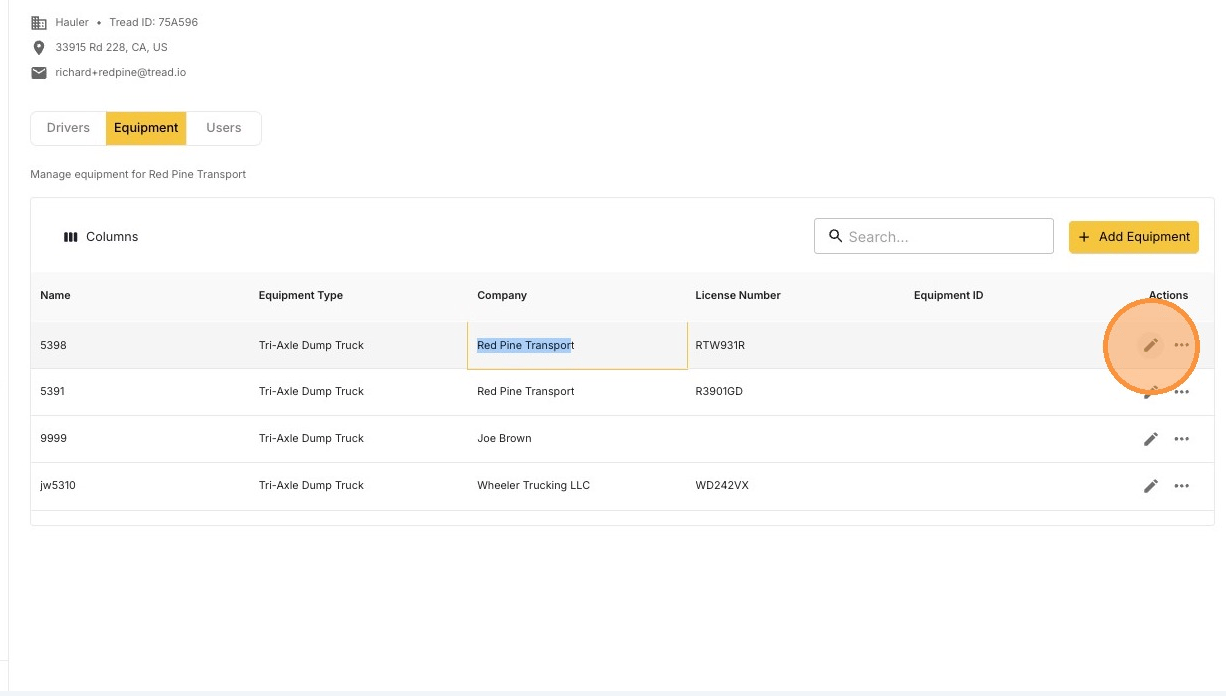
Click the pencil icon
6
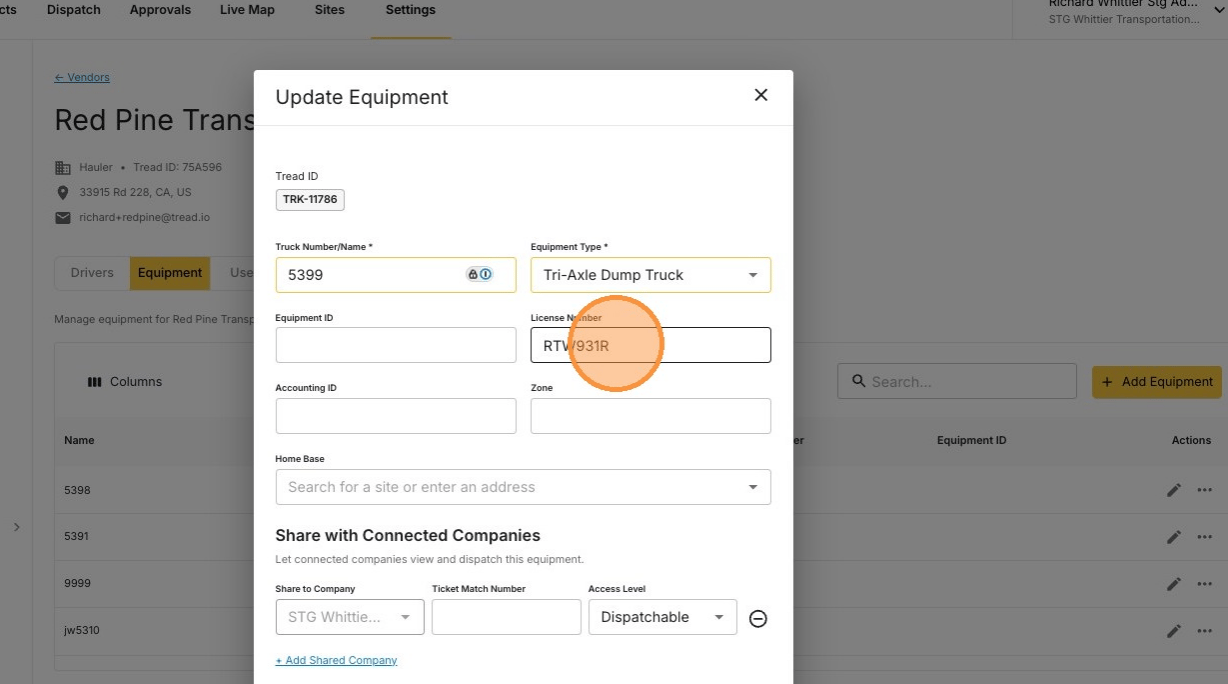
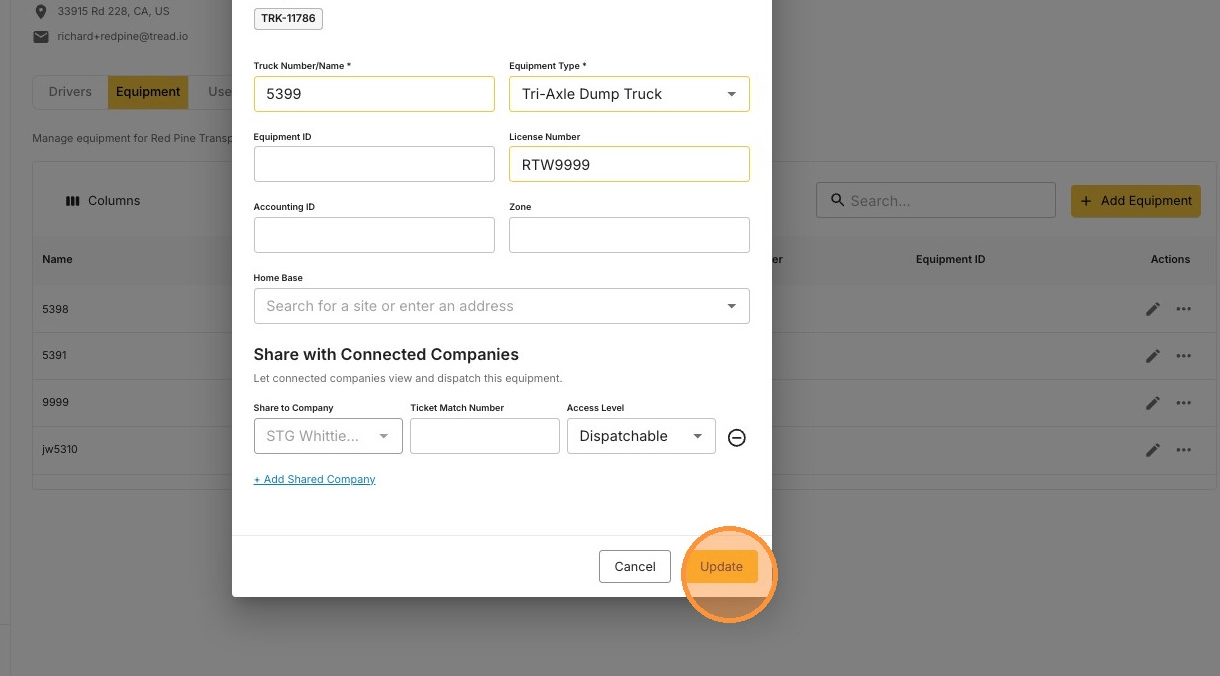
Update the details and click Update
Delete equipment
1
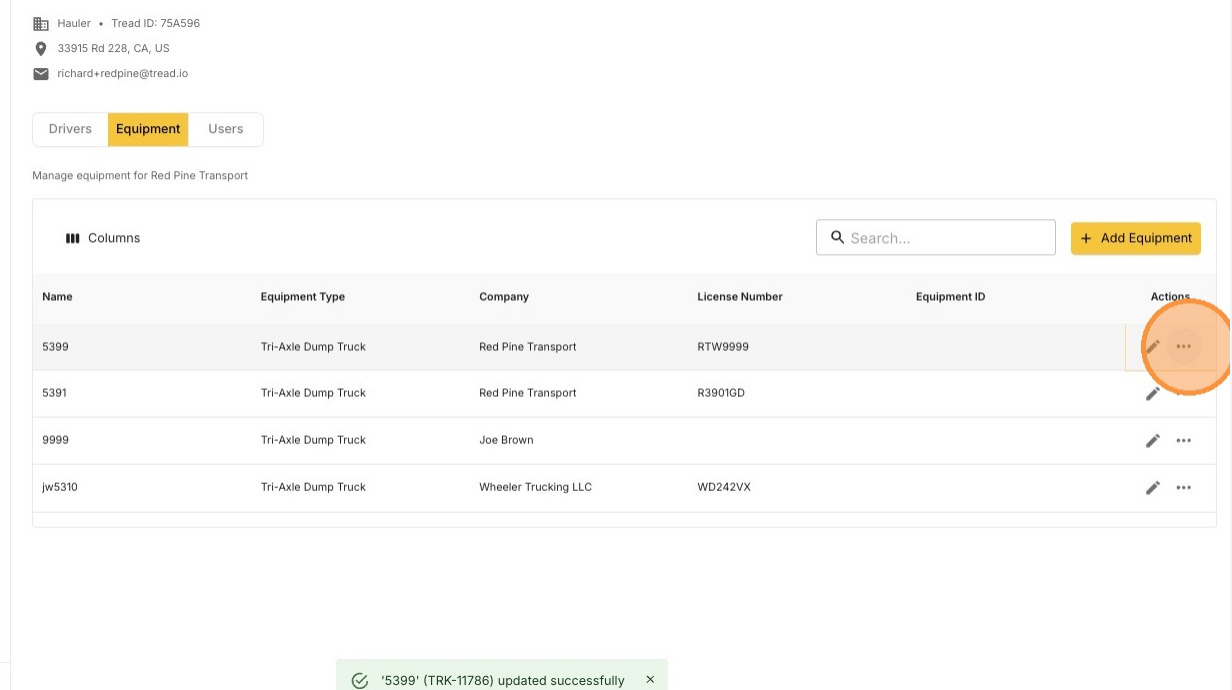
Click the ••• icon on the truck
2
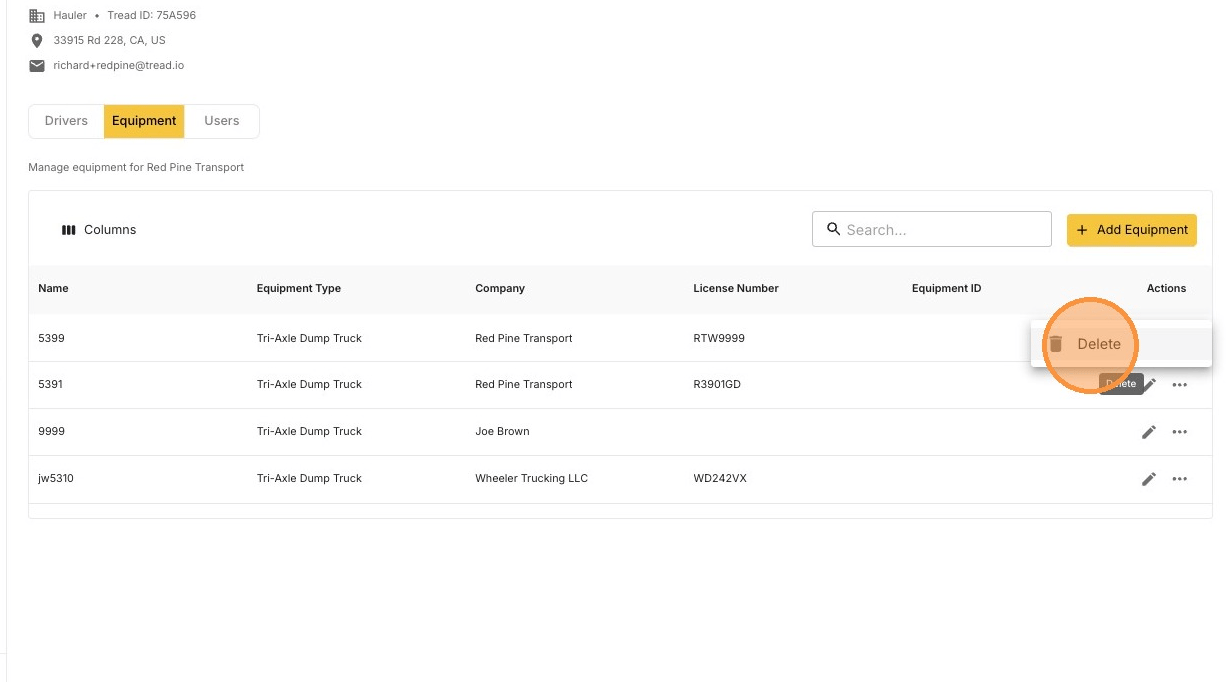
Click Delete
3
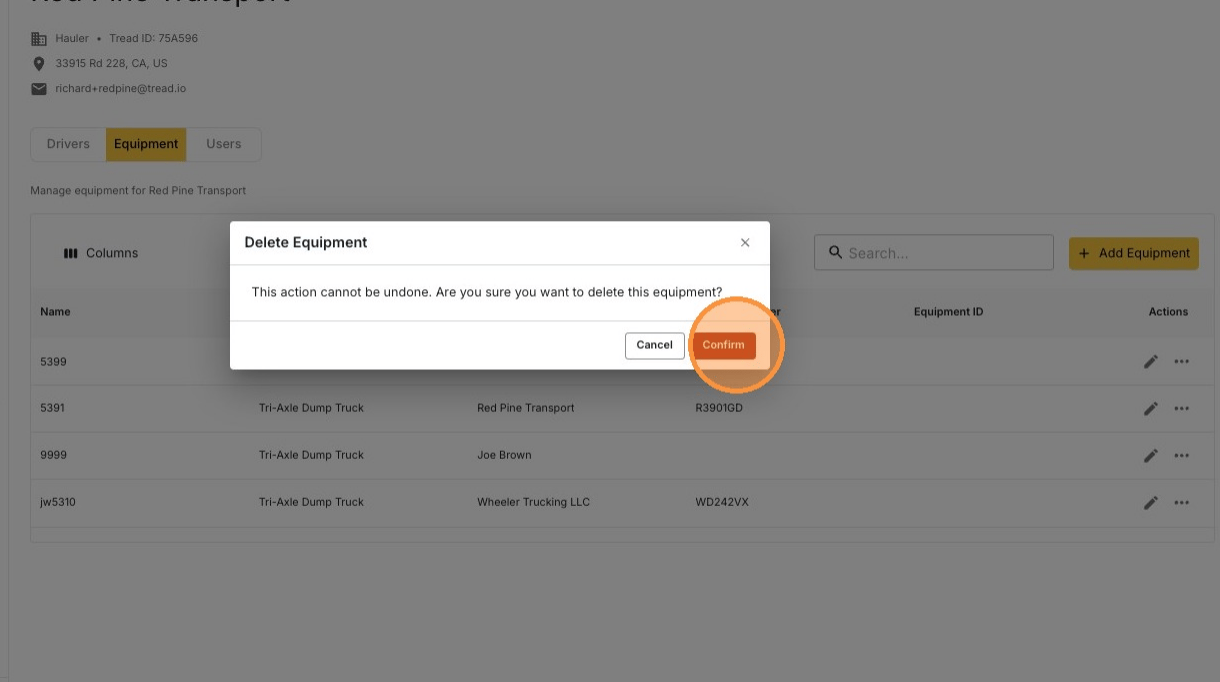
Click Confirm