Add a user
1
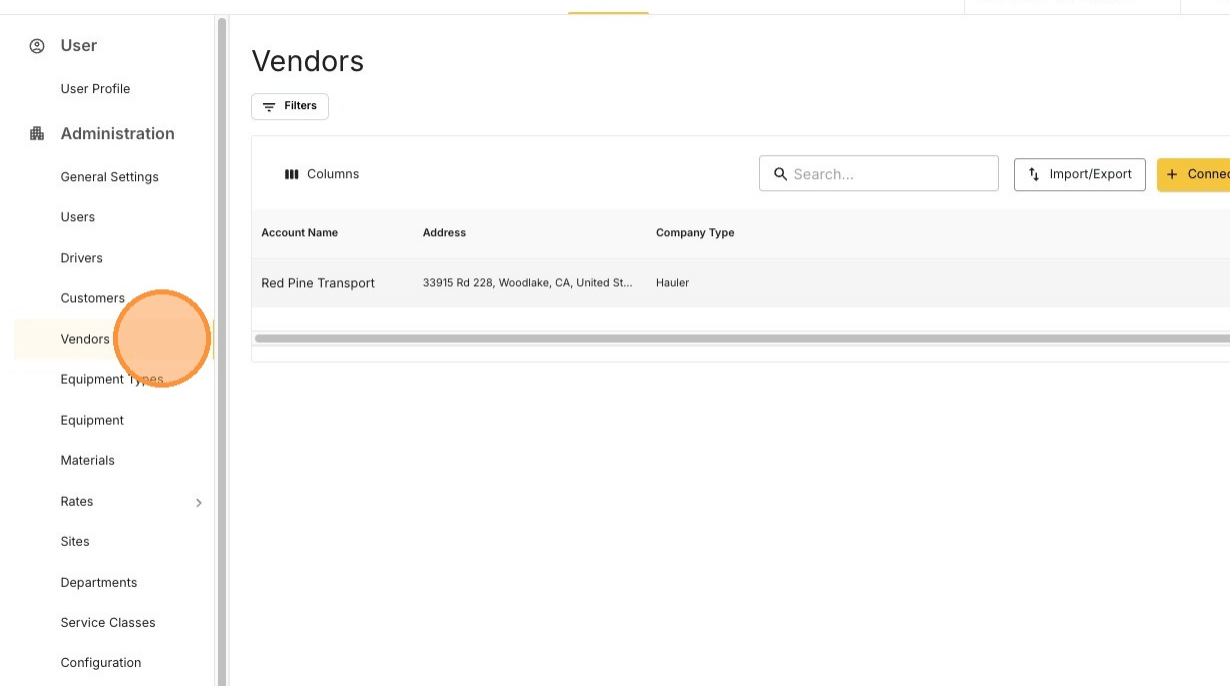
Open Settings → Vendors
2
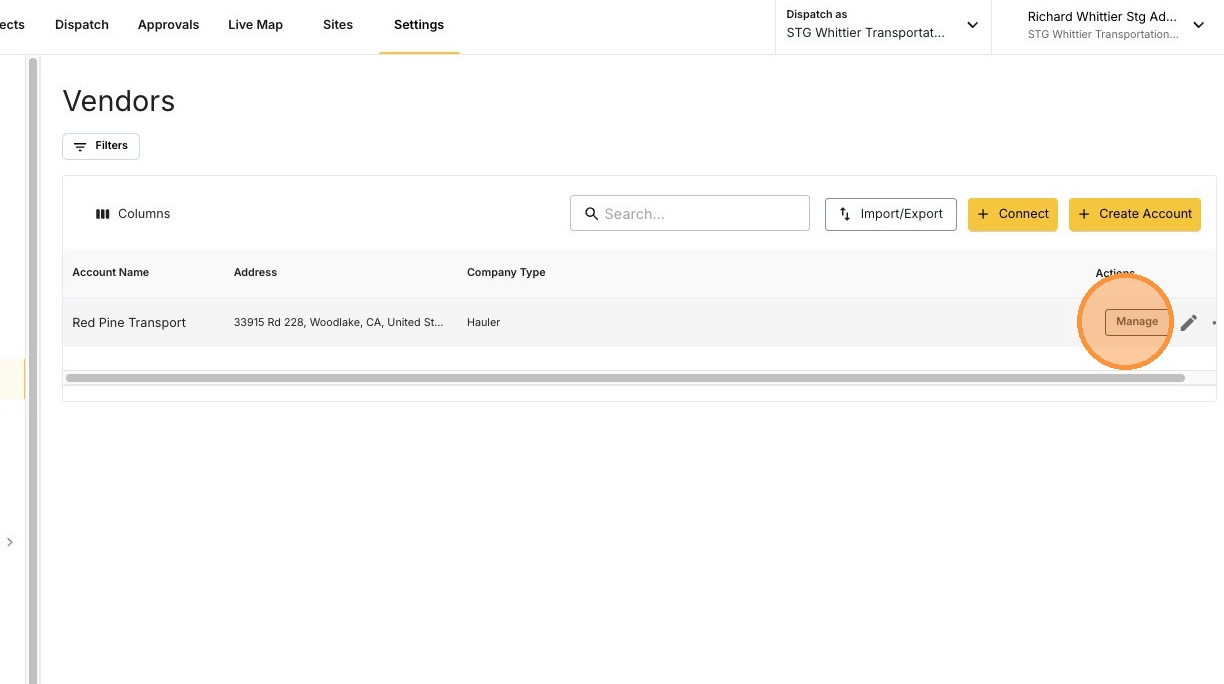
Click MANAGE
3
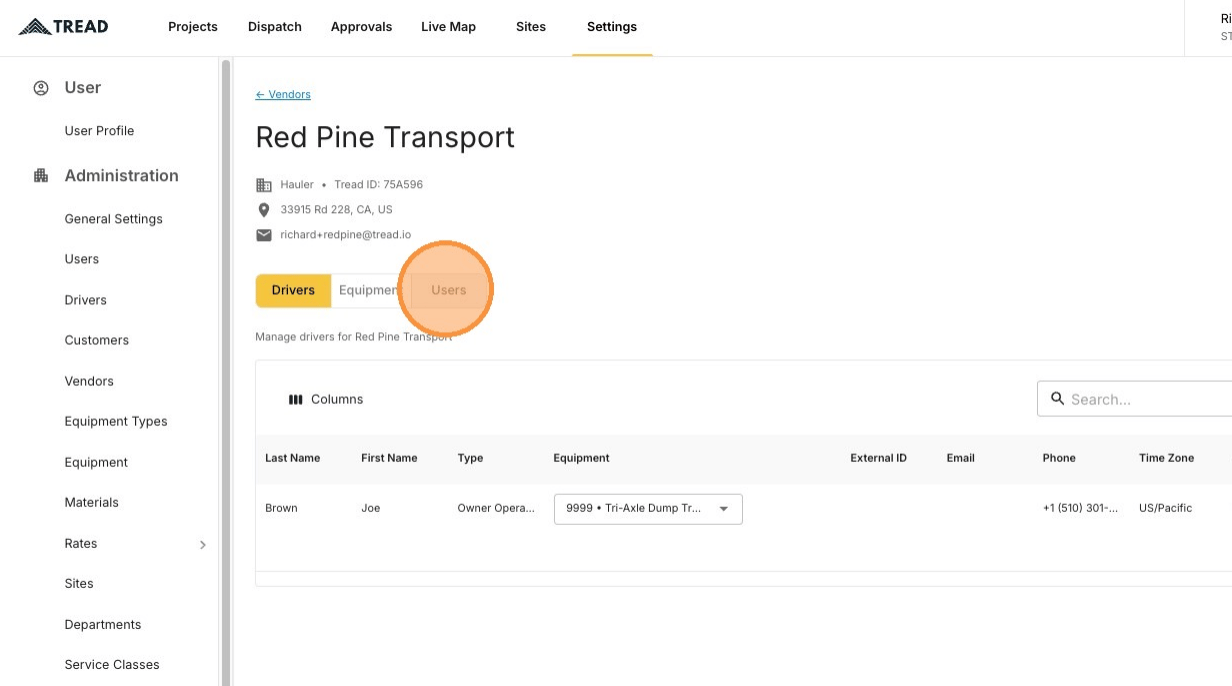
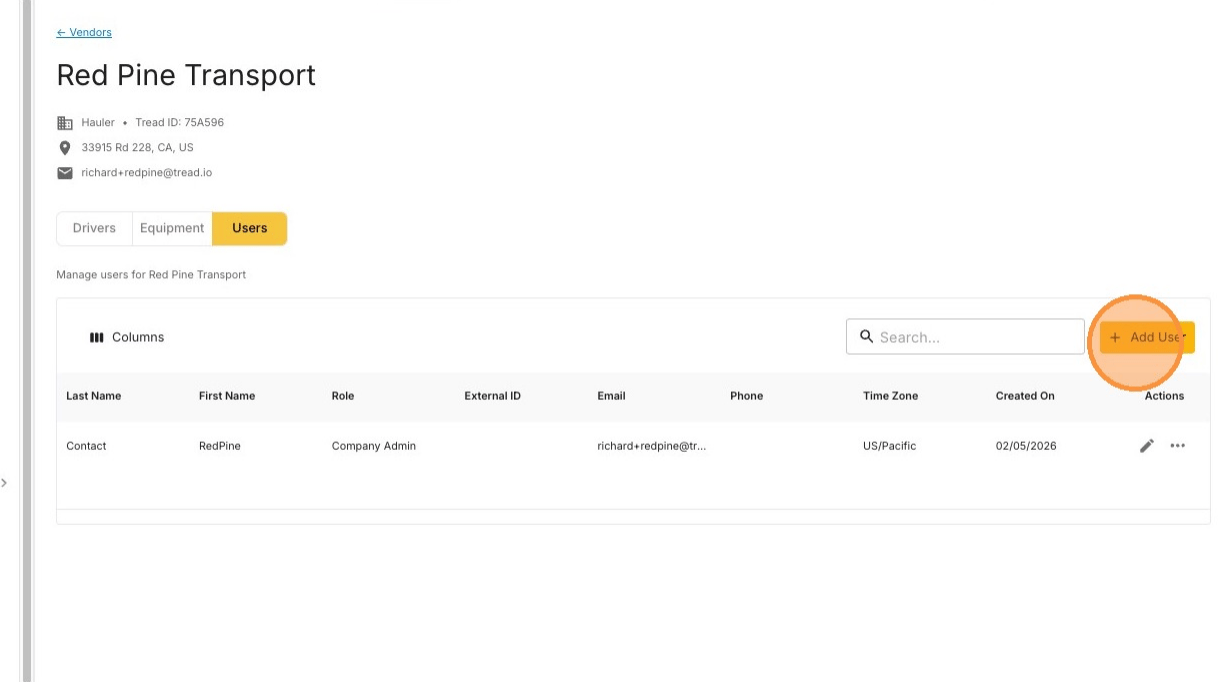
Open the Users tab
4
Click Add User
5
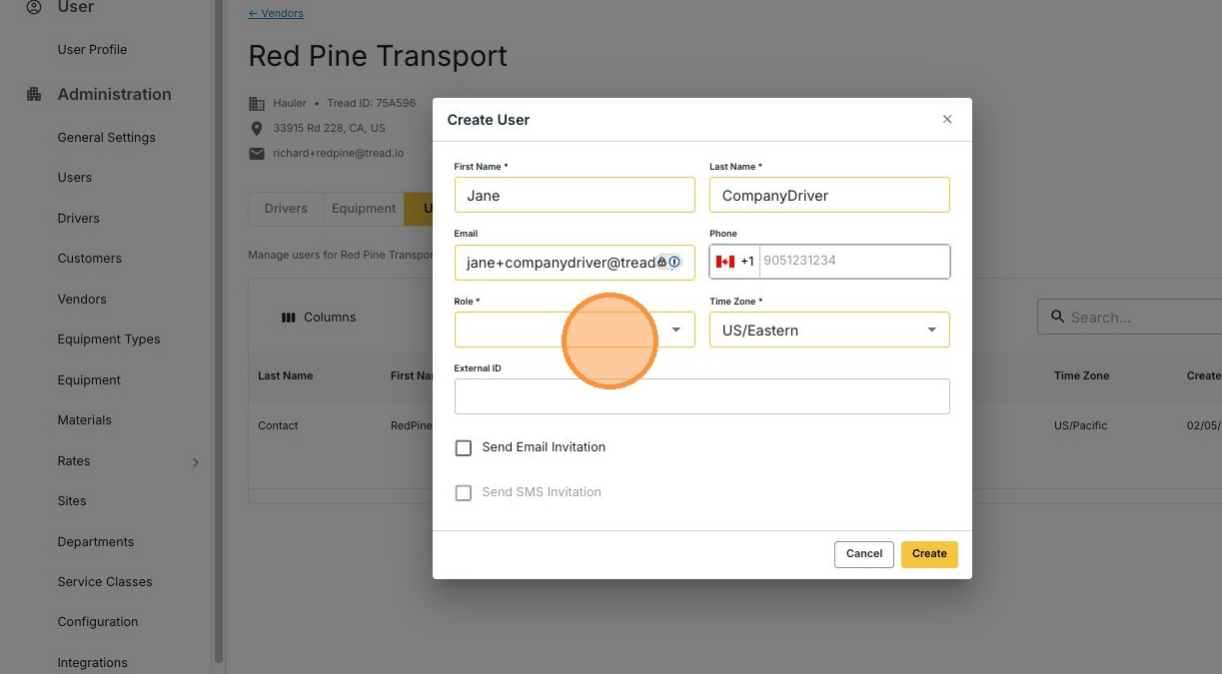
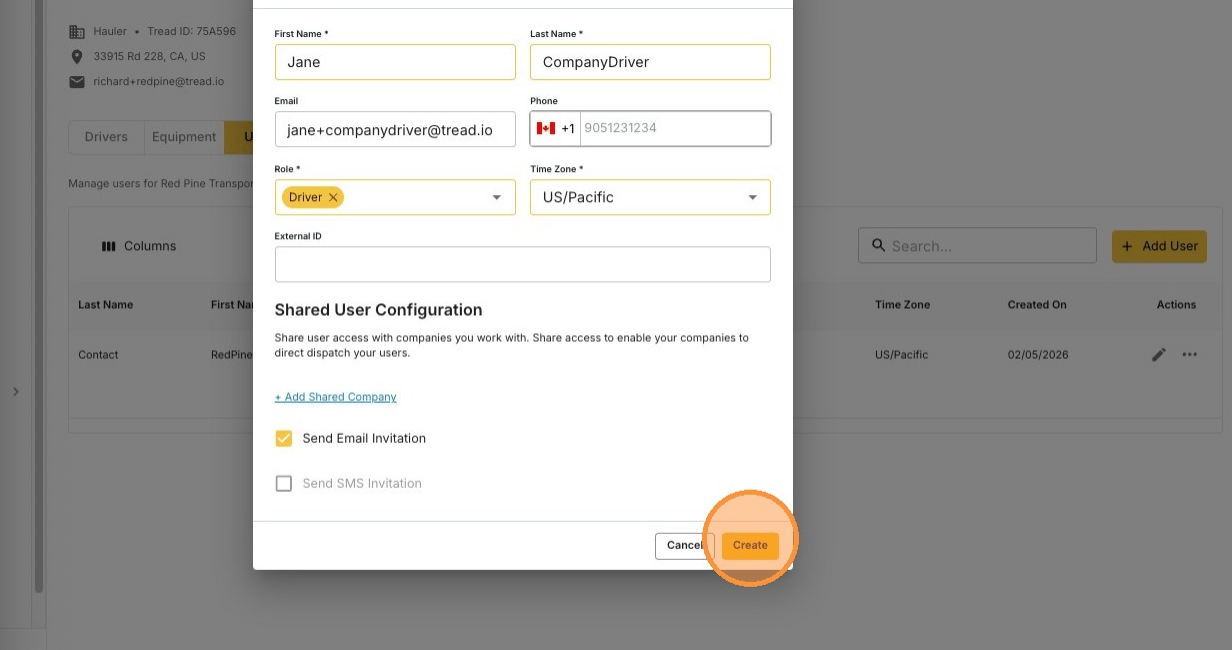
Enter the person's information
6
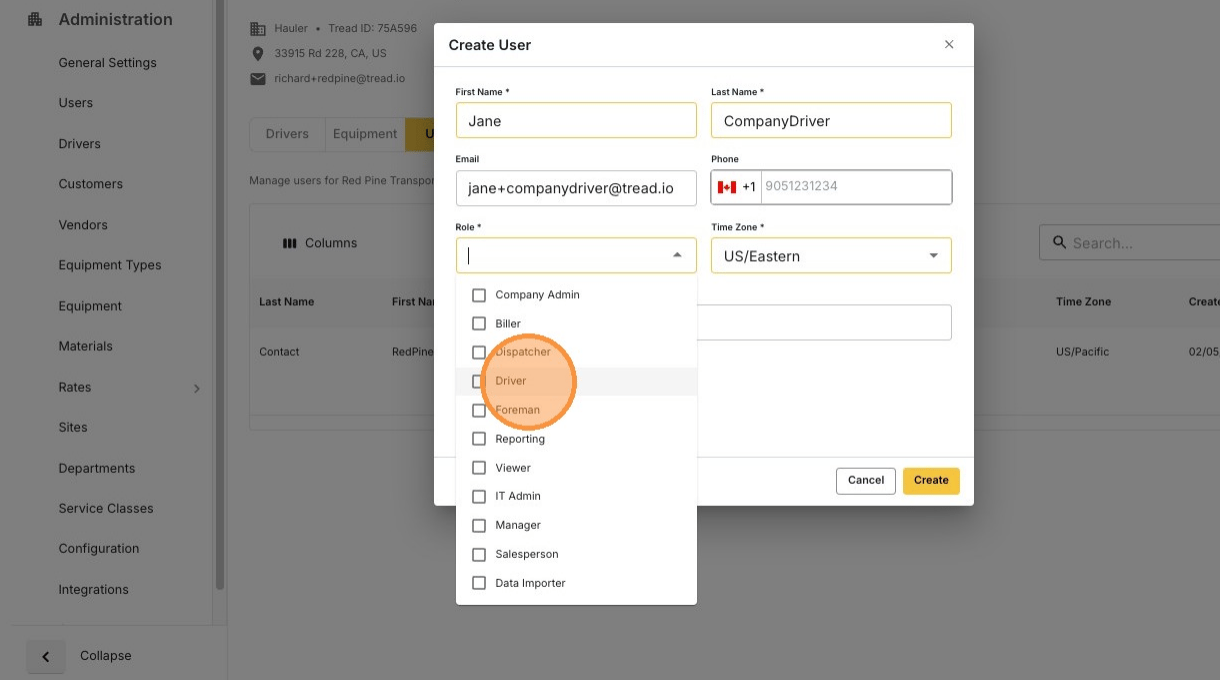
Select the person's role
7
Send the invitation
Add an email address or phone number first, then send the invite by email or SMS.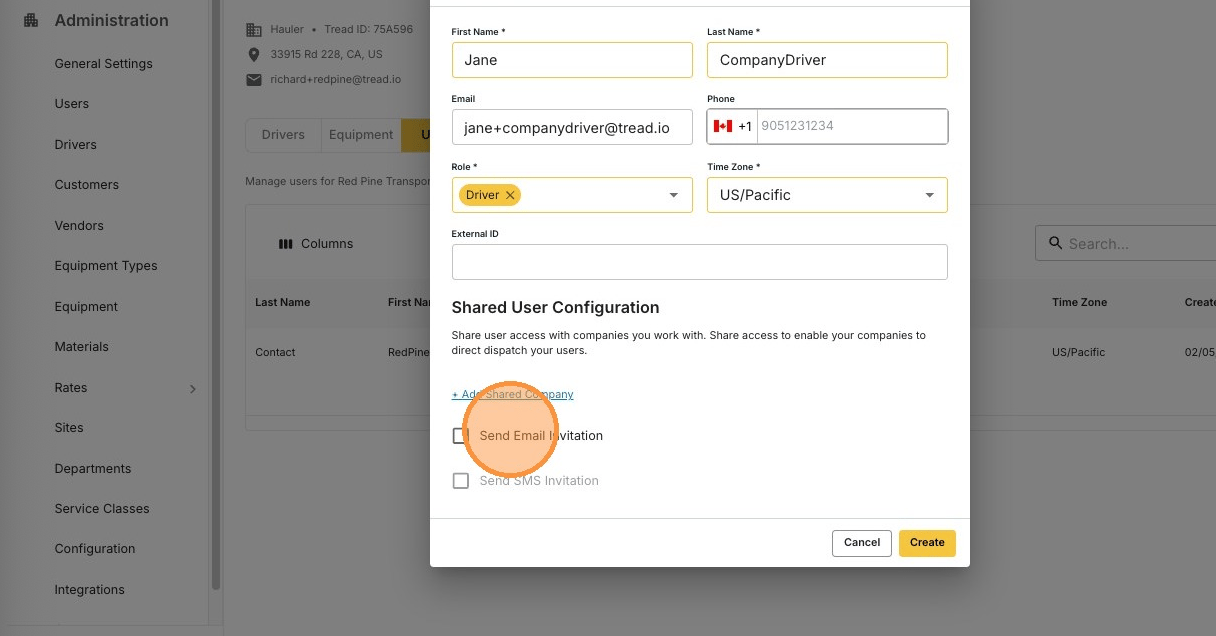
8
Click Create
Edit a user
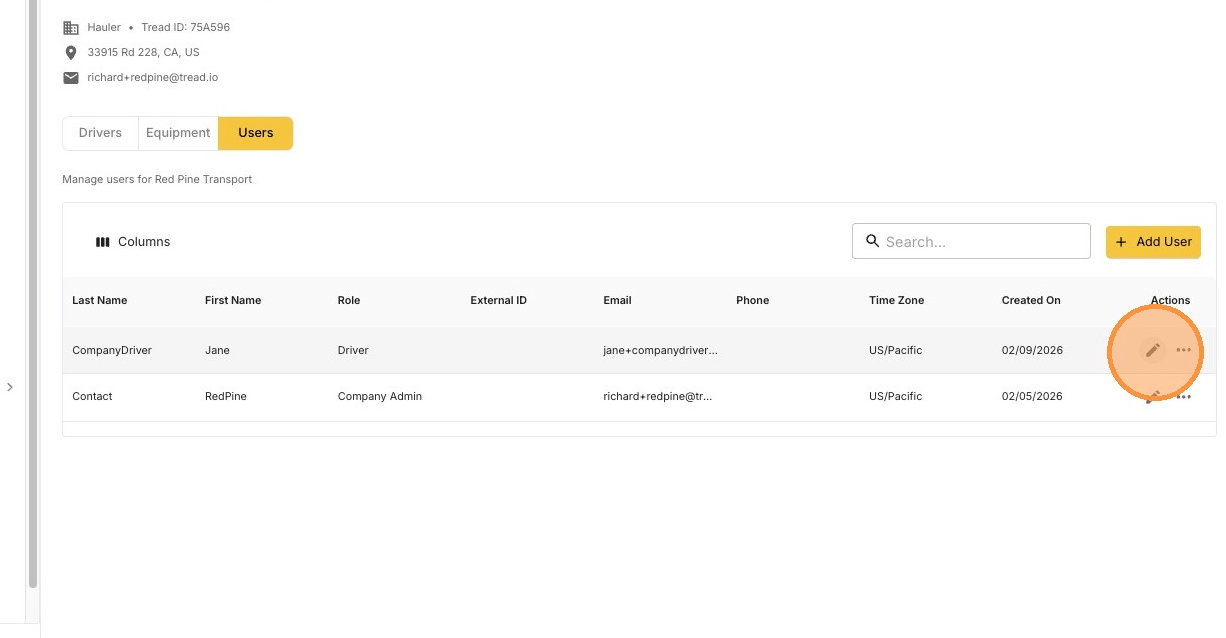
1
Click the pencil icon
2
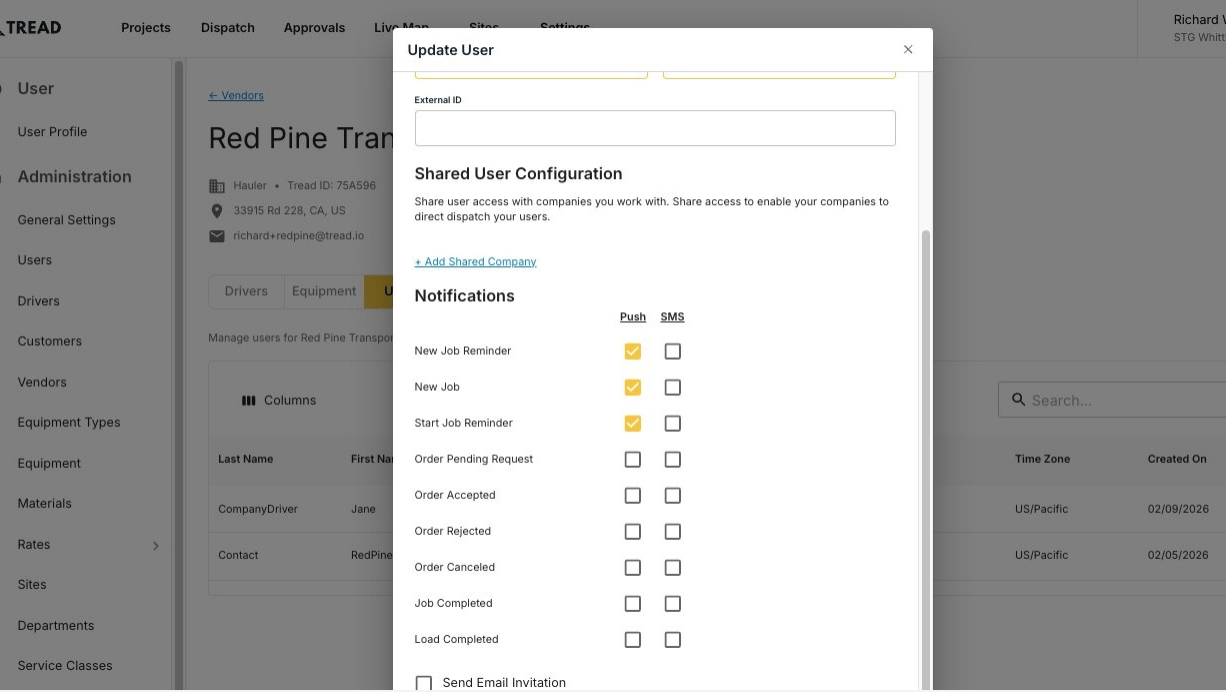
Update the details and click Update
Resend an invite
Resend the invite when a vendor’s user never got it, lost it, or let it expire.1
Open Settings → Accounts → Vendors and click MANAGE
No MANAGE button? Email support@tread.io with the vendors you need to manage, or ask in the in-app chat.
2
Open the Users tab
Find the user, often the vendor’s main contact.
3
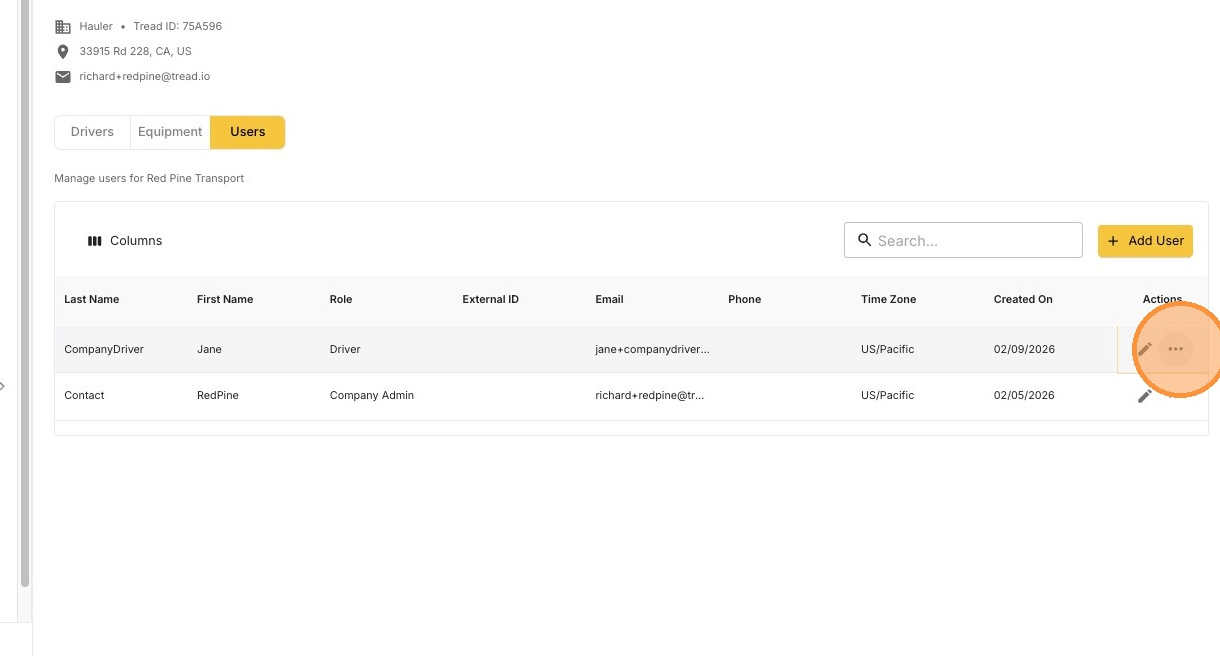
Click the ••• icon on the user's row
4
Click Resend Email Invite or Resend SMS Invite
Tread sends a new invite to the email address or phone number on file.
Don’t see the resend options?
The user already accepted the invite
The user already accepted the invite
Resend options only show for users who haven’t activated their account yet. If an active user can’t sign in, they need a password reset.
Only one option shows, or neither
Only one option shows, or neither
Each option needs that contact method on file. Resend Email Invite needs an email address. Resend SMS Invite needs a phone number. Click the pencil icon, add the missing detail, click Update, then try again.
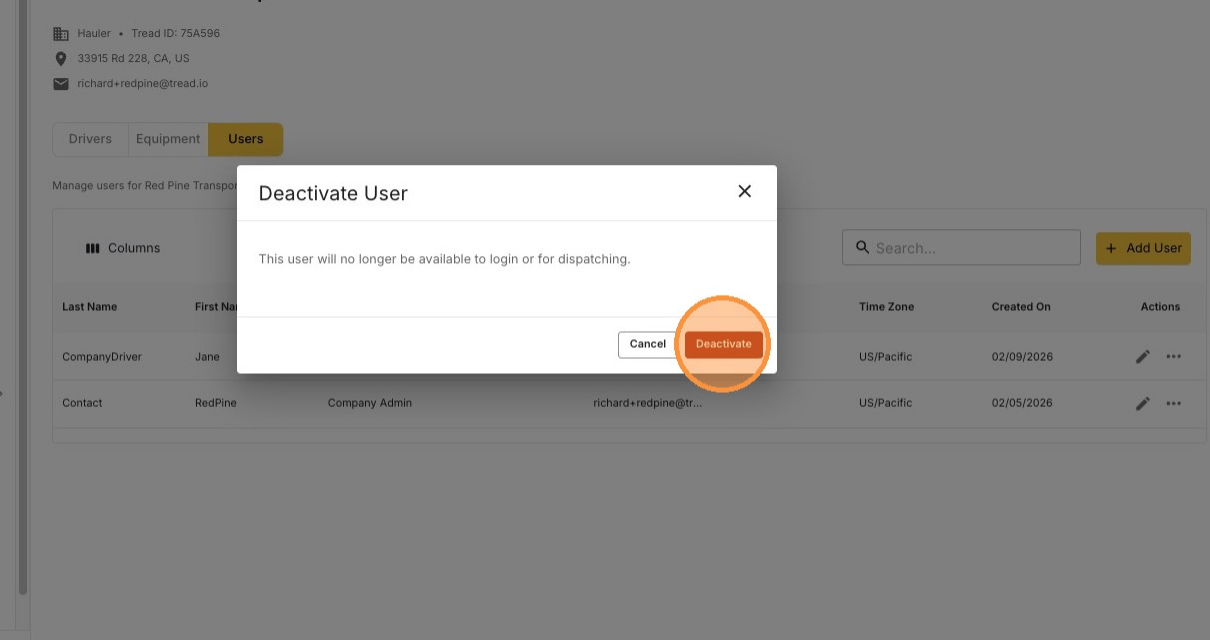
Deactivate a user
Deactivating removes the user from the vendor’s account.1
Find the user and click the ••• icon
2
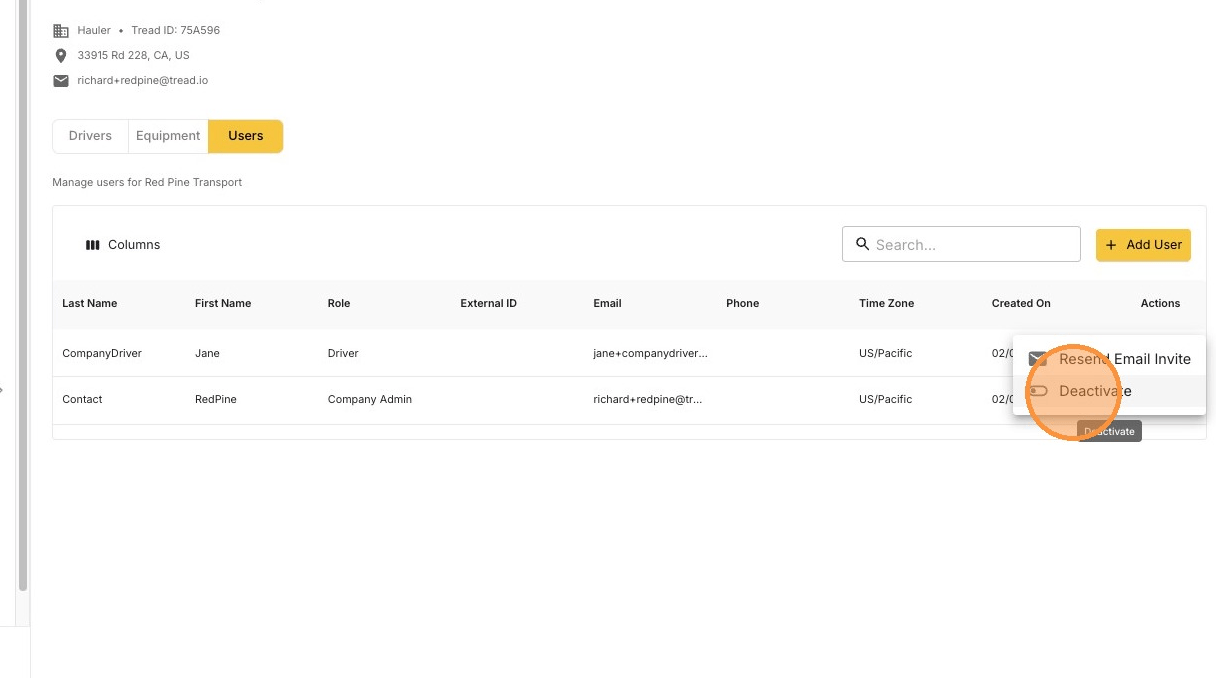
Click Deactivate
3
Confirm the deactivation